
THE SIMRACING DEN / GUIDES
Find your starting point.
Build from there.
Practical advice to choose your first setup, plan upgrades and make your cockpit easier to use.
What are you planning?
ADVANCED SIM RACING / BUILD PLANNING
Build the cockpit around you.
Three focused guides to plan your chassis, mounting and screens.
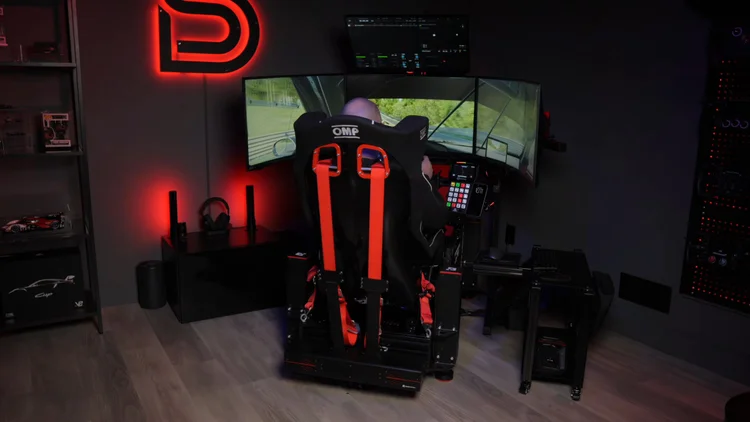
ASR PRO Gen 2 build guide
Chassis, seat, mounts and accessories—with a complete-build checklist.
Explore the build →CHASSIS · 6 MIN READASR 3 vs ASR 4
Compare mounting options, footprint and what to include in your budget.
Compare the chassis →SCREENS · 6 MIN READIntegrated or freestanding?
Choose an ASR monitor stand around your screens, room and cockpit.
Plan the screen support →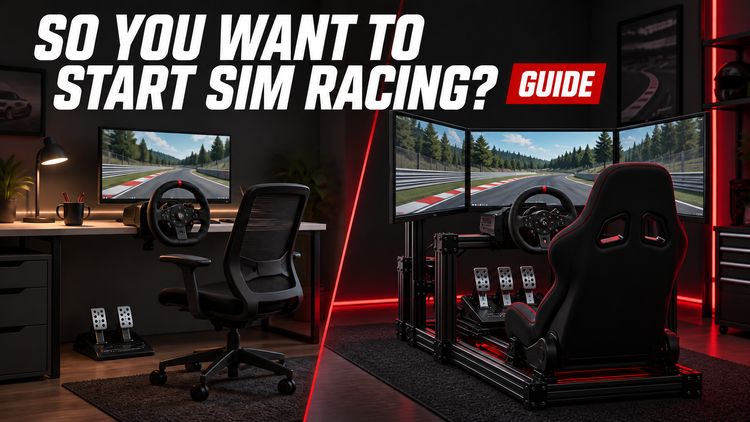 Written guide + video
GETTING STARTED
So You Want to Start Sim Racing?
Choose your platform, check controls and mounting compatibility, and follow a five-step plan for your first setup.
Approx. 15 min read
By Mike · Original video: January 17, 2023
Buying advice checked October 17, 2026
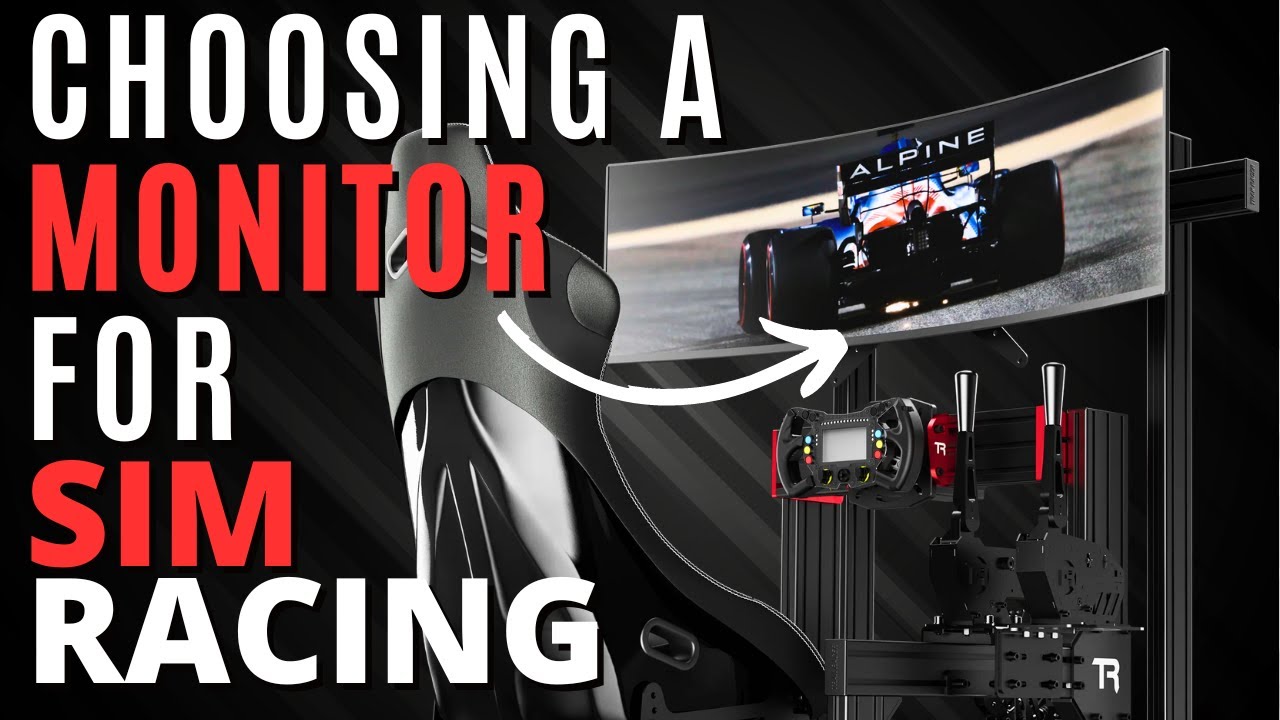 Written guide + video
DISPLAYS
Sim racing monitors: triples, ultrawide or VR?
Compare single screens, ultrawides, triples and VR, with practical checks for PC performance, mounting, comfort and field of view.
Approx. 18 min read
By Mike · Original video: May 23, 2023
Technical advice checked October 17, 2026
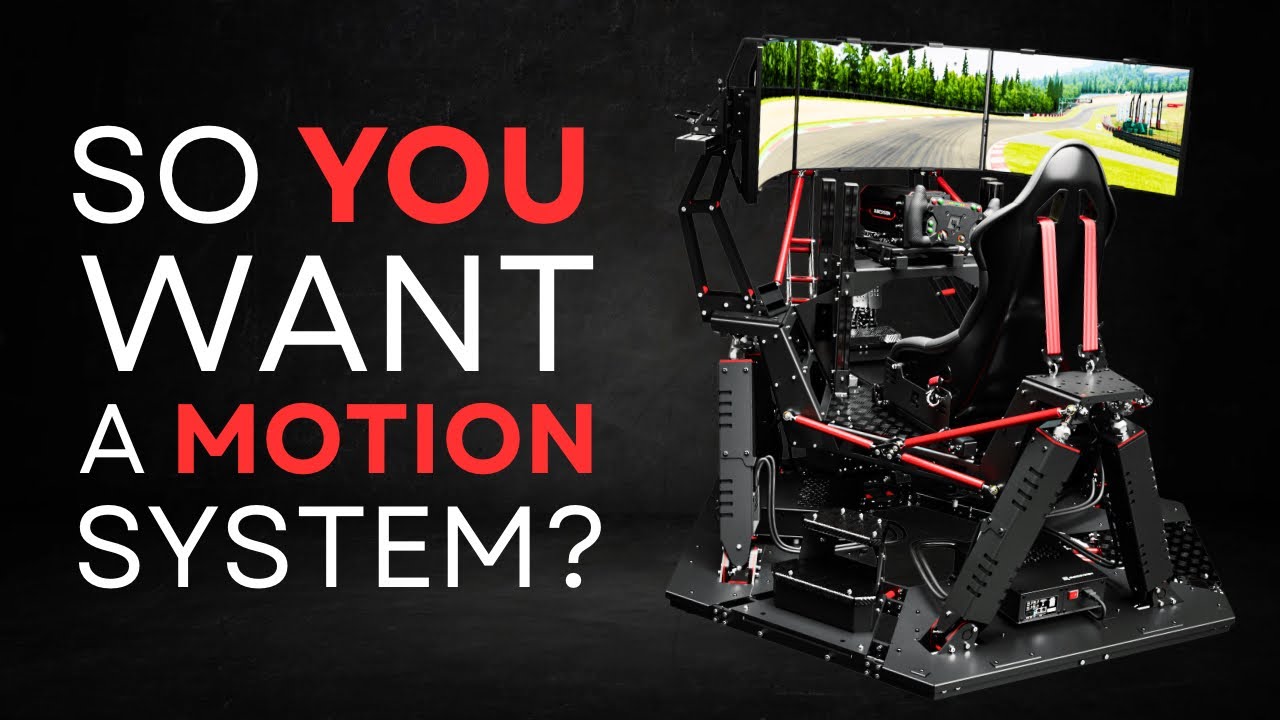 Written guide + video
MOTION
So You Want to Add Motion?
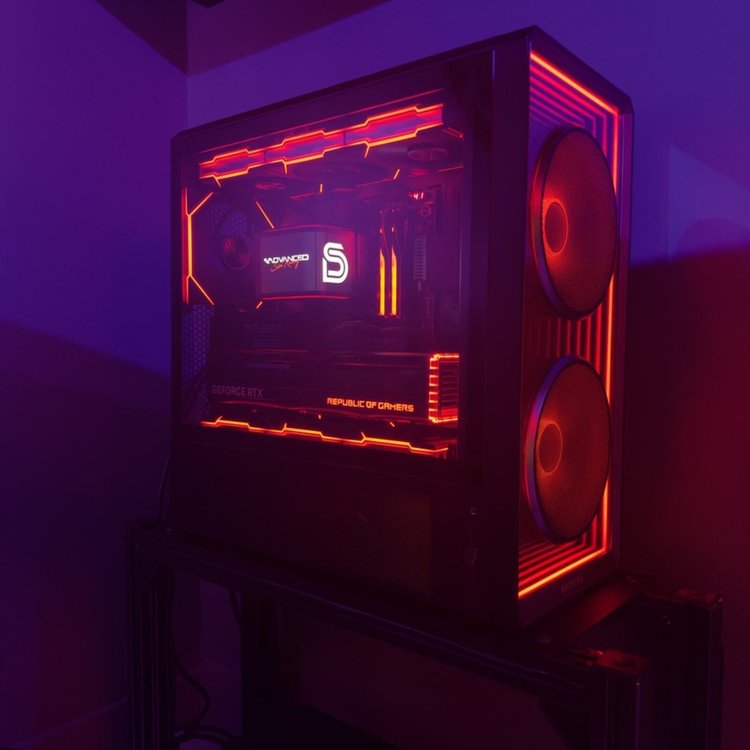
Compare cockpit movement, tactile feedback and belt tensioning, with checks for mounting, software support and the complete installed cost.
Approx. 16 min read
By Mike · Original video: October 10, 2025
Technical advice checked October 17, 2026
 Written guide
HARDWARE
Sim racing PC guide: CPU, GPU & smarter upgrades
Match your PC to your sim, screens and target frame rate. Check CPU and GPU limits, display outputs and upgrade priorities.
Approx. 12 min read
By Mike · Written guide, September 2026
Updated October 17, 2026
FINISH YOUR RIG
The details that make a cockpit easier to use.
Mount controls within reach, tidy the cables and check the parts for pedal feedback. These fitting guides help you choose accessories for the setup you already own.
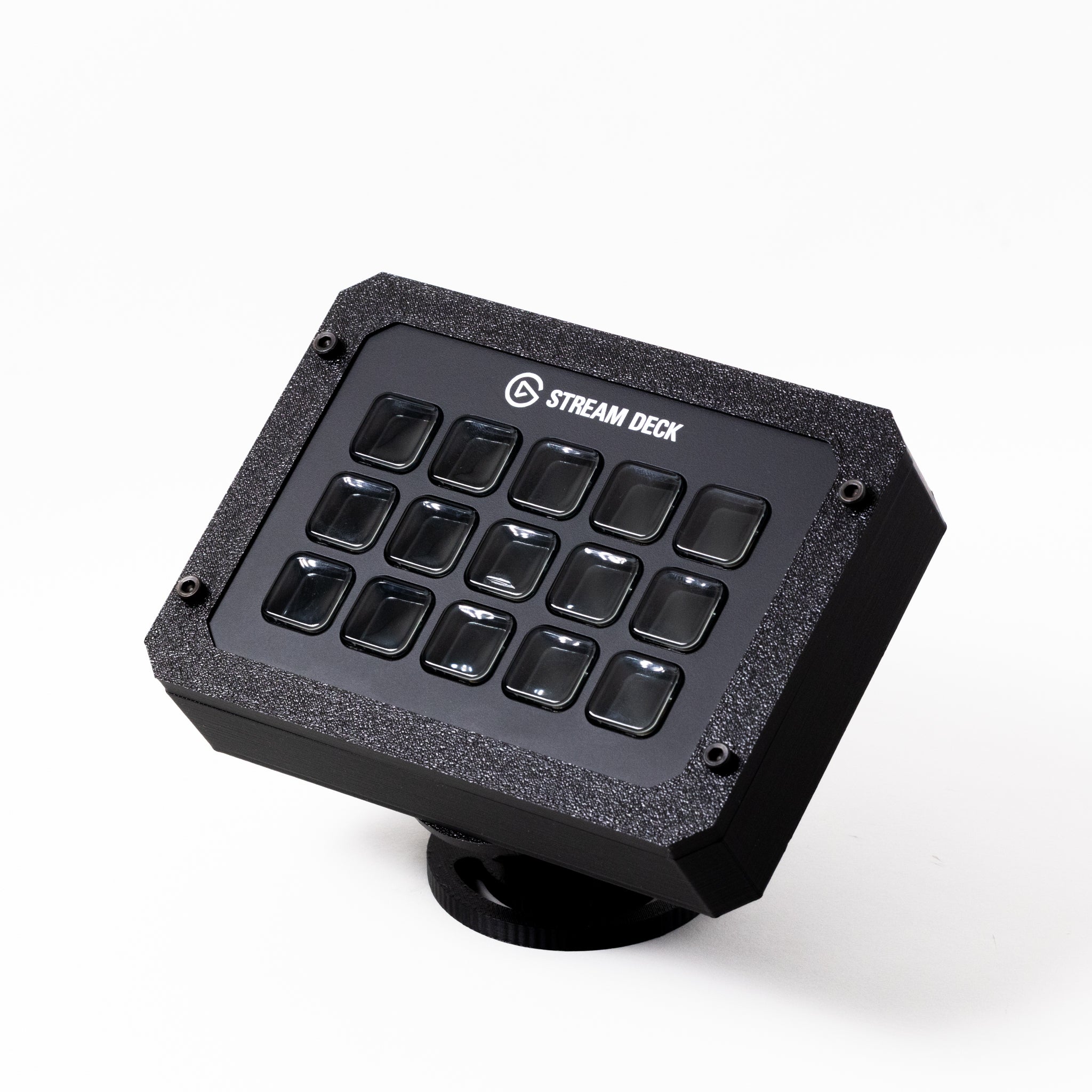
Mounting a Stream Deck on your sim rig.
Choose a Stream Deck mount for your sim rig. Compare device versions, direct mounts and swivel arms, then check reach, clearance and cable routing.Read the guide →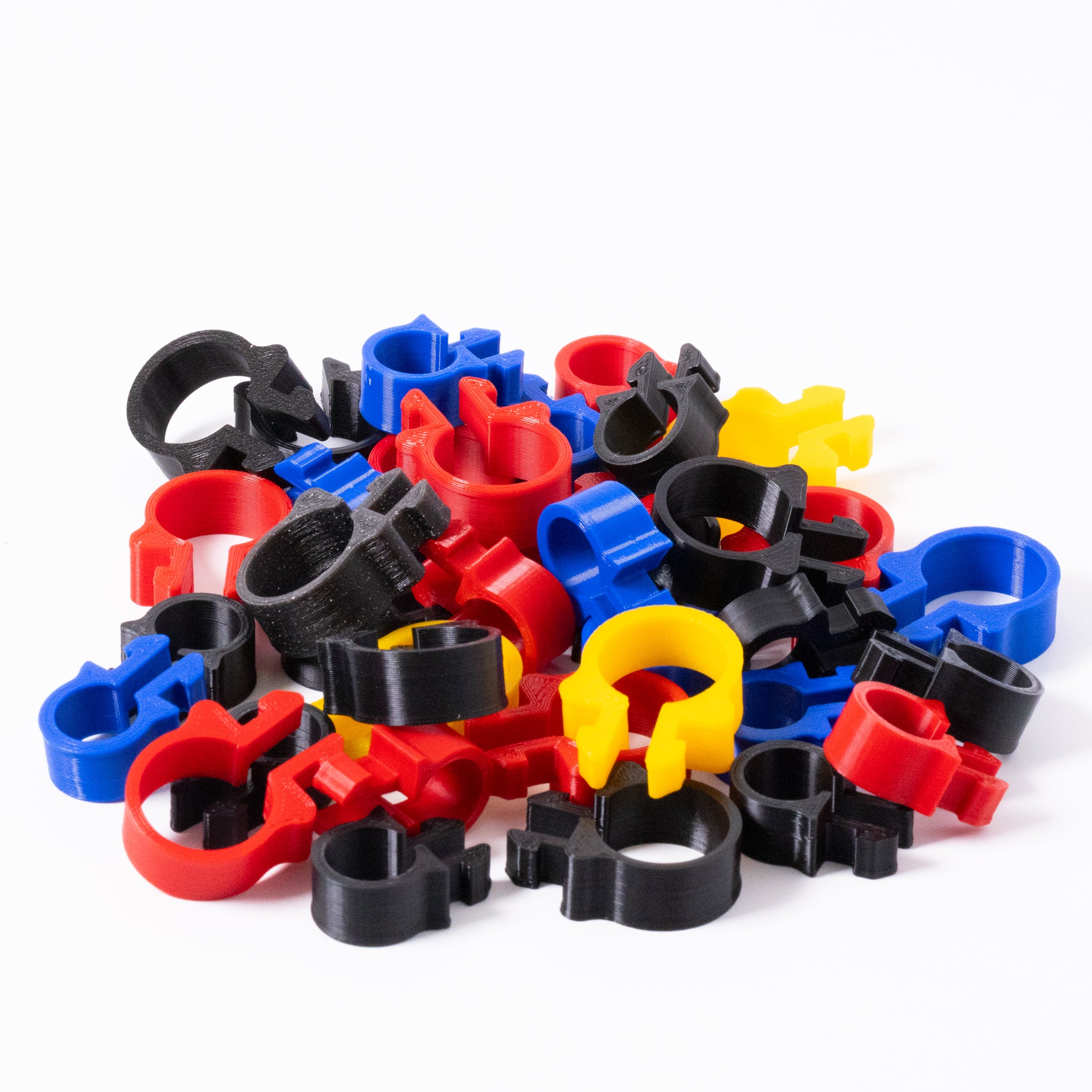
Cable management for your sim rig.
Plan cable management for an aluminium profile sim rig. Choose clips, route USB cables, mount hubs and leave room for seat and pedal adjustments.Read the guide →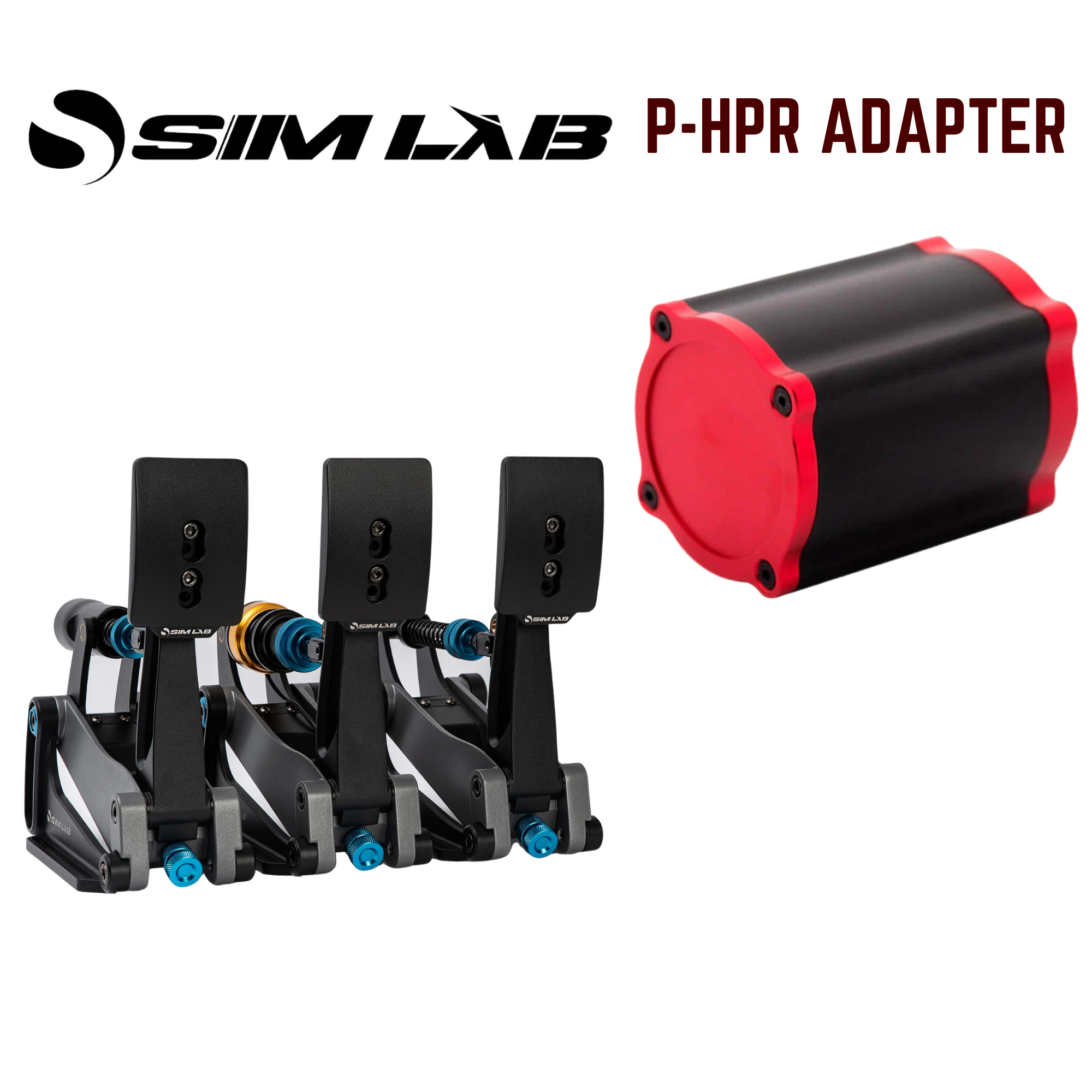
Choose the right Simagic P-HPR pedal mount.
Choose a Simagic P-HPR pedal adapter by pedal model and reactor type. Check mounting clearance, included hardware and the controller and power supply.Read the guide →FIELD OF VIEW
What FOV Should You Run?
Work out the geometrically correct field of view for your screens — single, triple, flat or curved — and read off the number your sim actually asks for.
By Mike · Published September 2026
Turn your ideas into a setup.
Explore specific equipment in the review library, plan compatible components with the Rig Builder, and check available offers before ordering.