WALLPAPERS / THE SIMRACING DEN

Your car. Your display. Your style.

Coordinated car packs for your rig and phone, plus a free racing wallpaper library.

Jump to the free library ↓
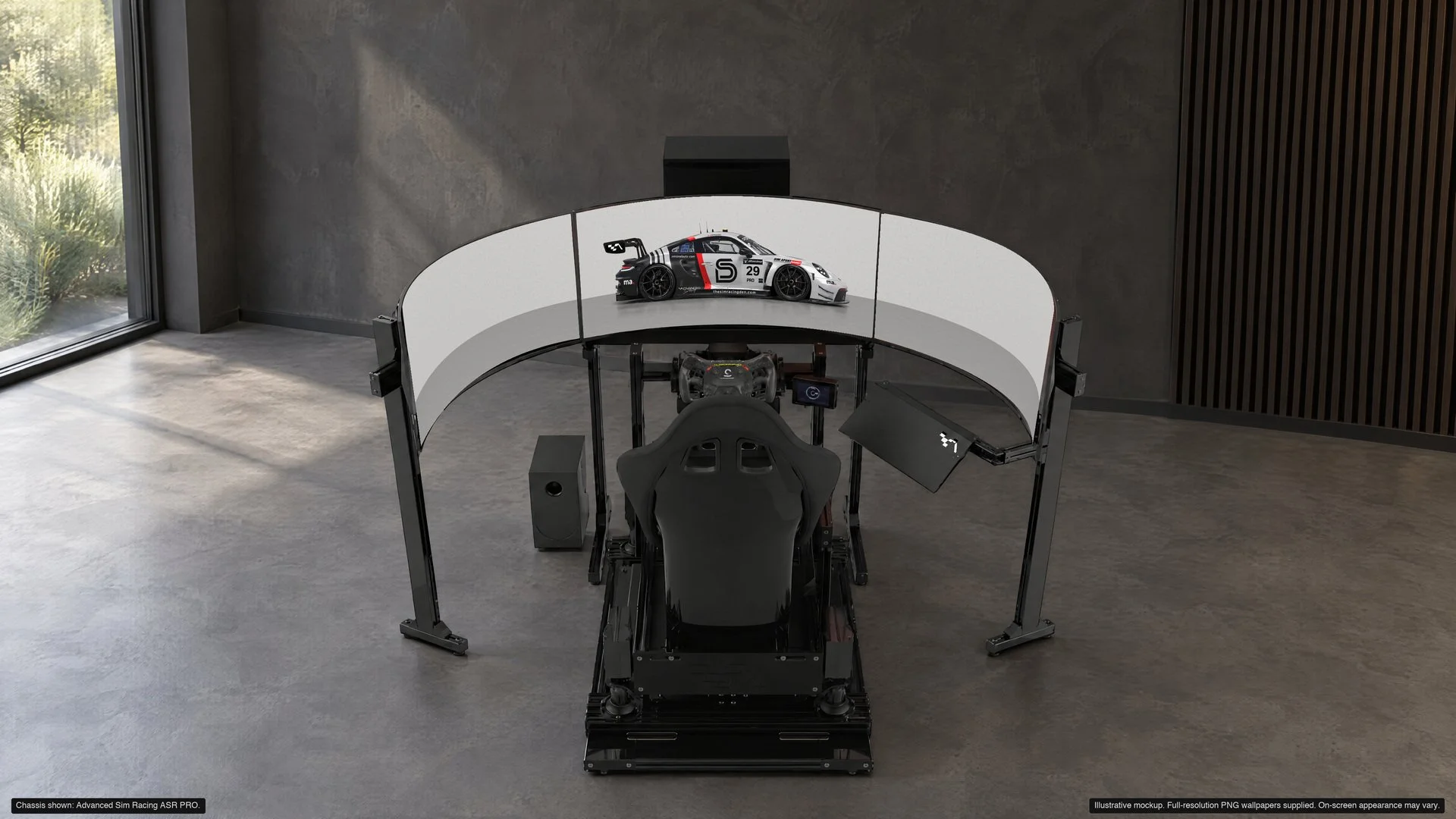
Free Afterburn SRD Edition wallpaper across the approved triple-monitor sim rig, with the car on the centre screen
Afterburn SRD Edition · Free full sample.
Chassis shown: Advanced Sim Racing ASR PRO. ASR affiliate discount details →

minimalauto. / PAID COLLECTION

One car.
Every screen.

A coordinated look for your sim rig, desktop and phone. Every model includes all nine backgrounds.

Mobile · $1.99 CADPhone Lock + Home Screen pairs

Complete · $5.99 CADAll supported displays + Mobile

Shop all wallpaper packs →

Already own Complete? Mobile is included. Choose one format per model.

Try the free full Afterburn SRD Edition →
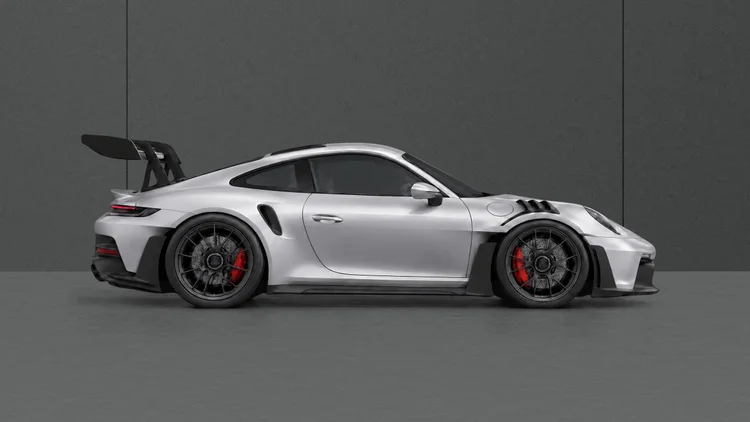
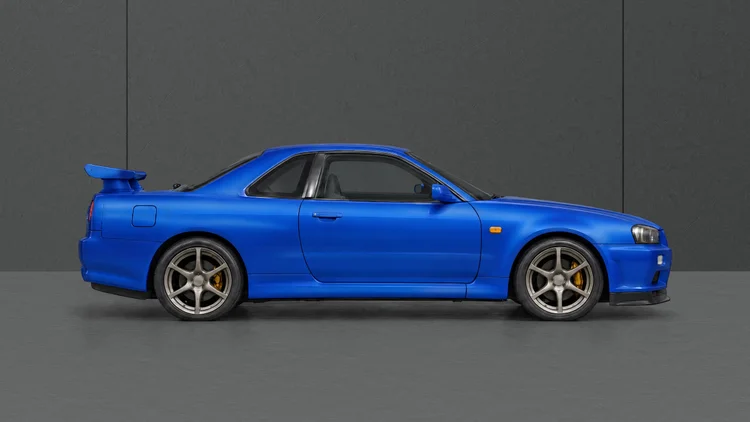
A few cars from the collection

CHOOSING YOUR SCREENS?Compare triples, ultrawide & VR
Porsche 911 GT2 RS MR
PORSCHE 911 GT2 RS MR · FROM THE COLLECTIONA WIDER VIEW OF YOUR PASSION
101 wallpapers13 resolution optionsDirect downloads

FREE LIBRARY · NO PURCHASE NEEDED

Free racing wallpapers.

Browse free car and racing wallpapers featuring Porsche, McLaren, Ferrari and more. Choose an available size, including 3440 × 1440, 5120 × 1440 and 7680 × 1440. Sizes vary by image.

Need help choosing your resolution?

Match the wallpaper to the resolution shown in your computer’s display settings. Each card lists the sizes available for that image.

Choose by pixel dimensions, not the monitor’s size in inches.
ResolutionBest starting point
1920 × 108016:9 Full HD monitor
2560 × 144016:9 QHD monitor
3840 × 216016:9 4K UHD monitor
2560 × 10801080p ultrawide
3440 × 1440Ultrawide monitor
3840 × 1600Taller ultrawide monitor
5120 × 21605K2K ultrawide
3840 × 108032:9 super ultrawide
5120 × 144032:9 super ultrawide
7680 × 216032:9 canvas, including two 3840 × 2160 screens side by side
5760 × 1080Three 1920 × 1080 screens side by side
7680 × 1440Three 2560 × 1440 screens side by side
11520 × 2160Three 3840 × 2160 screens side by side

To download: choose a resolution below an image. If the full-size image opens, right-click it and choose “Save image as…”, then set the saved file as your desktop background.

On a phone, touch and hold the full-size image, then choose your browser’s image-save or download option.

For multiple screens, choose your system’s span option where available. Different screen arrangements may crop the image.

YOUR RESOLUTION

A white race car with the number 70 on its side and red wheels is parked in a garage or pit lane area at night, with fencing and a lit track in the background.
ROAD & STUDIO44 / 101

GT2 RS · Moby Dick

Choose your resolution to download

Two blue sports cars, a classic Porsche 911 Carrera RS on the left and a modern Porsche 911 Turbo on the right, racing side by side on a track with a white barrier and green trees in the background.
ROAD & STUDIO45 / 101

Porsche · Generations in blue

Choose your resolution to download

Two Porsche sports cars driving on a winding mountain road, sunlight filtering through trees.
ROAD & STUDIO46 / 101

Porsche · Mountain drive

Choose your resolution to download

A race car on a racetrack with blurred background and black fence, moving at high speed.
RACE DAY58 / 101

McLaren · Race pace

Choose your resolution to download

A light blue sports car with Gulf logo parked by a reflecting pond on a paved area with a grassy park in the background.
ROAD & STUDIO59 / 101

McLaren · Gulf colours

Choose your resolution to download

A sleek, futuristic silver sports car driving on a road with a blurred landscape background.
ROAD & STUDIO60 / 101

McLaren Speedtail

Choose your resolution to download

A black Porsche 911 racing car on a race track, passing through a curve with red and white striped curb and a protective barrier on the side.
RACE DAY89 / 101

Porsche · Into the corner

Choose your resolution to download

A black sports car, likely a Porsche, on a race track, viewed from above in a bird's eye perspective, with curbing painted in white, red, and blue on the left side.
RACE DAY90 / 101

Overhead at the circuit

Choose your resolution to download

Daytona International Speedway with a person on the track and American flags, sunlight shining through the fence.
RACE DAY91 / 101

Daytona · Trackside

Choose your resolution to download

Side view of a shiny green sports coupe car on a plain gray surface with a black background.
ROAD & STUDIO93 / 101

Green · Studio profile

Choose your resolution to download

Two modern sports cars, a white Porsche 911 GT3 and a green Porsche 911, parked side by side in a dark space with minimal lighting.
ROAD & STUDIO94 / 101

Porsche · Light & shade

Choose your resolution to download

A white Porsche 911 GT3 sports car with black accents and gold wheels, viewed from the side on a dark background.
ROAD & STUDIO95 / 101

Porsche 911 GT3 · White

Choose your resolution to download

A yellow Porsche racing car driving on a wet, rainy track.
RACE DAY96 / 101

Porsche GT3 RS · In the rain

Choose your resolution to download

Blue Porsche sports car with racing decals, including a large white circle with the number 60 and the Porsche logo, parked on a concrete surface in front of a black building with horizontal paneling.
ROAD & STUDIO97 / 101

Porsche · Number 60

Choose your resolution to download

A black sports car with a rear spoiler, set against a dark, smoky background with a spotlight highlighting its silhouette.
ROAD & STUDIO98 / 101

Into the shadows

Choose your resolution to download

Gray Porsche sports car with black wheels and yellow brake calipers.
ROAD & STUDIO99 / 101

Porsche · Grey profile

Choose your resolution to download

Manthey · Blue
ROAD & STUDIO100 / 101

Manthey · Blue

Choose your resolution to download

911 GT3 · 90 F. A. Porsche
ROAD & STUDIO101 / 101

911 GT3 · 90 F. A. Porsche

Choose your resolution to download

Resolution buttons open the original download files. Available sizes vary by wallpaper.

Some retailer links are affiliate links. I may earn a commission when you shop through them, at no extra cost to you.

More inspiration from The SimRacing Den.Explore my personal setup →

WALLPAPERS

Desktop wallpapers suitable for triple-screen setups and ultrawide monitors.

How to set a triple screen wallpaper

Downloading the right size is only half of it. The part that catches most people out is Windows, which by default puts a separate copy of the image on every monitor instead of stretching one image across all three. Here is the whole process.

  1. Work out your combined resolution. Add the widths of your monitors together and keep the height. Three 2560 × 1440 screens are 7680 × 1440. Three 1920 × 1080 screens are 5760 × 1080. Three 3840 × 2160 screens are 11520 × 2160.
  2. Line the monitors up in Windows first. Settings › System › Display, then drag the three boxes so they sit in a straight row in the right order. If they are staggered or out of order, a spanned wallpaper will look offset no matter which file you use.
  3. Download the matching size from any card on this page.
  4. Right-click the desktop › Personalize › Background, choose your image, then find the fit dropdown and set it to Span. Span is the only setting that treats three monitors as one canvas. Fill, Fit and Stretch all work per-monitor and will give you three copies of the same car.

On macOS there is no equivalent of Span built in — System Settings treats each display separately. You need a third-party tool to stretch one image across multiple screens.

If your exact resolution is not listed

Go one size up, never down. A 7680 × 1440 file on a 5760 × 1080 setup will be scaled down and stay sharp. The same file stretched up from something smaller will look soft, and on a 45-inch panel you will see it. Where a wallpaper here has been enlarged past its original, the card says so underneath the download links, so you always know what you are getting.

Mixed setups work the same way. If your three screens are not identical, Windows spans across the full bounding box, so take the next size larger than your combined width and let it crop.

A note on bezels

If you run bezel correction in iRacing or Assetto Corsa, that is a sim setting and it does not carry over to the desktop. A spanned wallpaper ignores bezels entirely, so a car sitting across a join will look very slightly cut. That is normal and there is nothing to fix — it is the trade-off for one continuous image instead of three separate ones. Inside the sim it is a different story, and that starts with geometry — my FOV calculator works out the field of view and screen angles your triples should be running.

Why most of these are 7680 × 1440

Triple 1440p is the most common serious sim racing setup going, and it is the resolution I get asked about most. I run triples myself, so the collection gets built around what actually looks right across three screens rather than a 16:9 image stretched to fit — every crop is made from the original at the target aspect ratio, with the car kept properly in frame. Sizes run from 1920 × 1080 up to 11520 × 2160, and the sizes each wallpaper offers are listed on its own card.