
Review disclosure: Pixio supplied the PXC348C for review, and I retained the review unit. This is a review of my experience on the test rig, not a laboratory display test. The product link is a direct manufacturer link and is not an affiliate link.
Setting up a second rig in my studio gave me a reason to explore different display options. Pixio offered its PXC348C to try, and I approached it as a sim racer looking for a useful, reasonably priced screen. I did not have the equipment to independently measure response time, brightness or colour accuracy, so my conclusions focus on what I saw while using it.
My verdict at a glance
What worked: A sharp ultrawide image, pleasing colour and a smooth, responsive experience in my testing.
What to consider: Some ghosting, limited HDR impact and built-in speakers I did not enjoy.
Review scope: The original 144 Hz PXC348C, tested briefly on the studio rig; not the later Neo model.
Check product details and current availability →
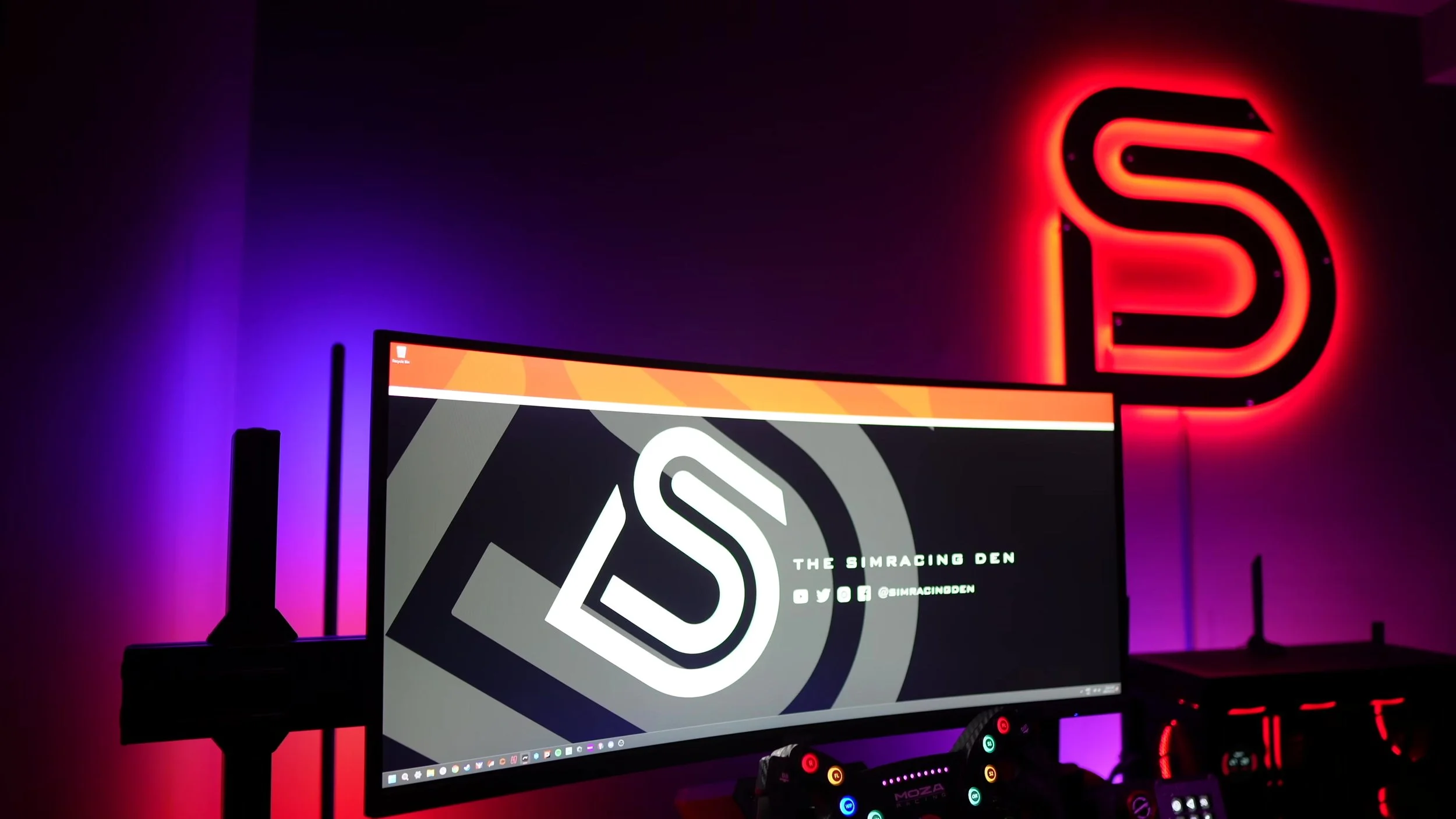
A restrained design that suited the rig
The matte-black finish and understated shape worked well in my setup. I prefer the screen to blend into the rig rather than compete with the driving experience.
There was a rear light ring for anyone who wanted a little colour, with cycling or a static colour available on the unit I used.
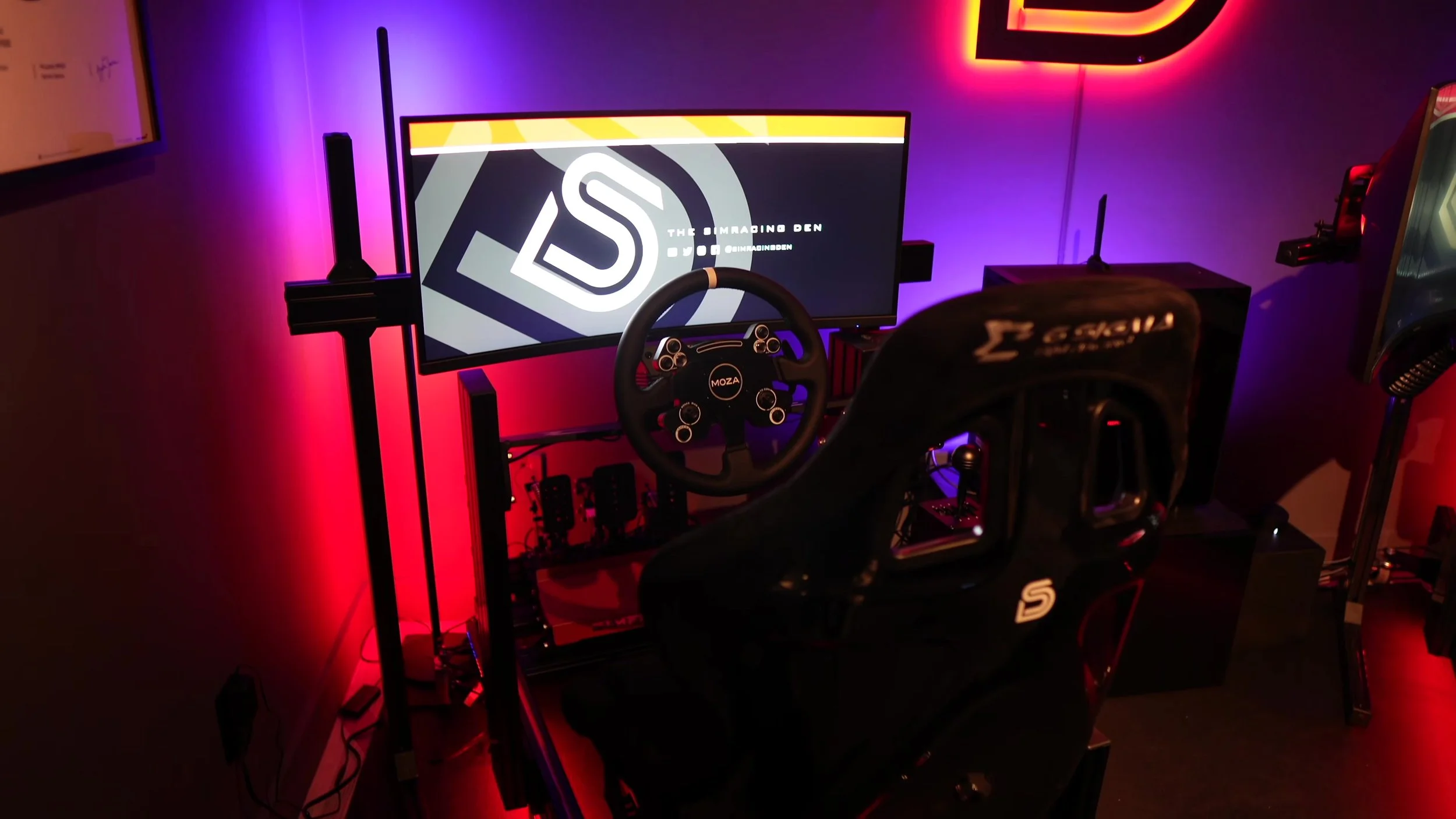
I mounted it to an Advanced Sim Racing freestanding single-monitor stand without difficulty. The original model has VESA mounting support; check the pattern and support requirements for your own stand.
During my short time with it, I did not notice obvious build problems such as uneven panels or gaps. That is an observation from the review period rather than a long-term durability claim.
Controls, connections and speakers
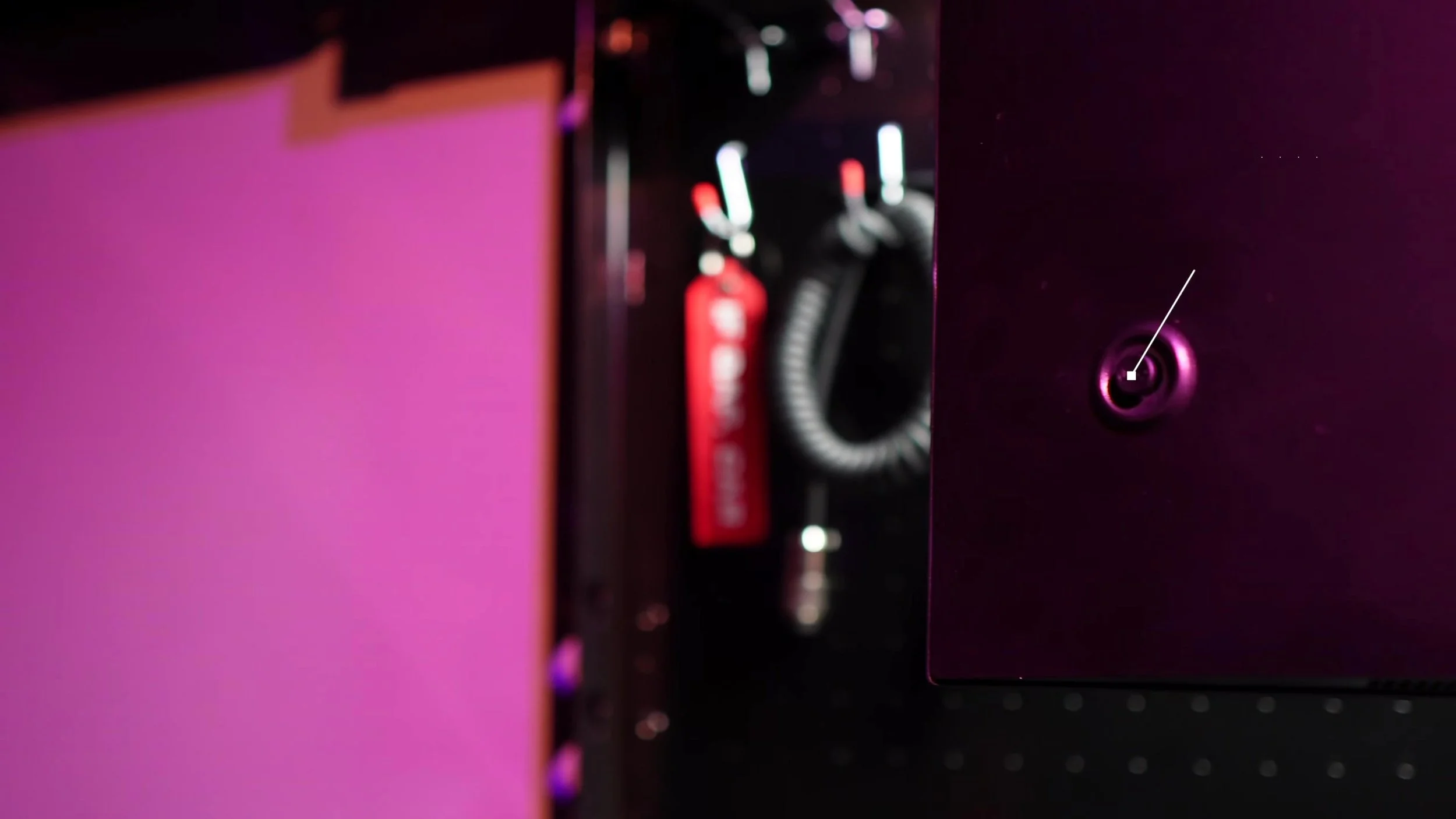
The on-screen settings were controlled with a joystick on the back near the right-hand side. I found it convenient to use.
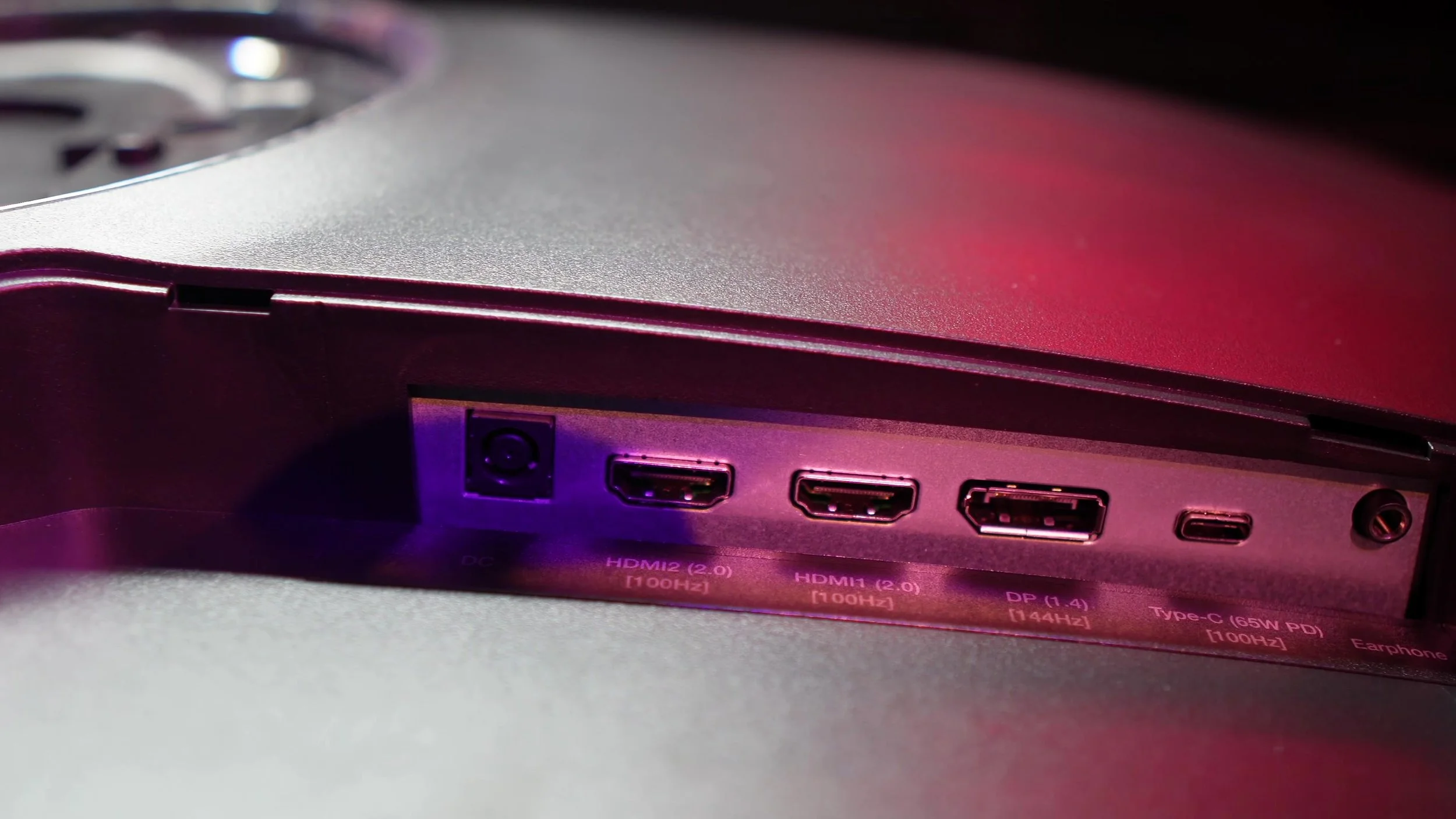
DisplayPort and HDMI provided the basic connections I wanted for a gaming screen. The original model also lists USB-C with display input and power delivery, which may be useful on a shared work-and-gaming desk.
The available refresh rate depends on the input and resolution. Do not assume that the headline 144 Hz applies to every HDMI, USB-C or console setup; use the exact model’s specification sheet.
I was not satisfied with the built-in speakers. Headphones or separate speakers would be my choice for sim racing.
The picture while racing
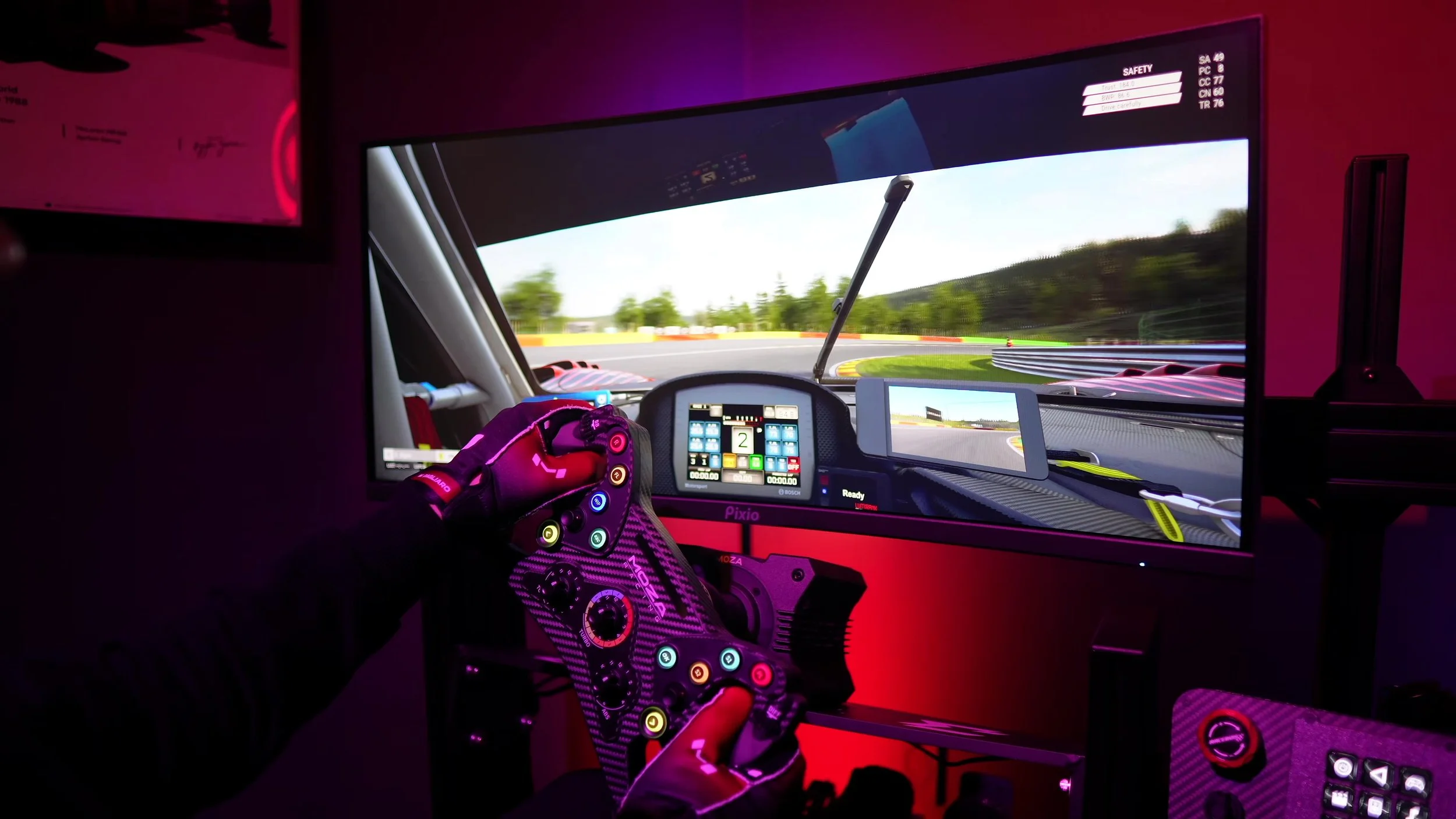
The original PXC348C uses a 34-inch curved VA panel with a 3440 × 1440 resolution and a 1500R curve. I reviewed it as a 144 Hz display.
The picture looked sharp, and I liked the colours. I changed the colour-temperature setting from Normal to Warm because that better matched my preference.
That adjustment was made by eye. It was not a measured calibration, and I would not use this review as evidence of professional colour accuracy.
The advertised response-time and brightness figures are manufacturer specifications. I did not independently measure them and am not presenting borrowed measurements as my own findings.
HDR was enjoyable, but limited
I preferred the HDR mode to SDR in titles such as ACC and iRacing during my testing. It was not as bright or impactful as other displays I had used, however.
SDR was bright enough for my setup. The HDR label did not turn this into a high-end HDR experience, even though I enjoyed using the mode in those games.
I noticed some ghosting during fast transitions. It did not ruin the racing for me, but it was visible enough to deserve a mention.
The adaptive-sync experience felt smooth and responsive. I did not measure input latency, and I am not claiming that any sync setting eliminates every instance of tearing or stutter.
Who I thought it suited
I viewed the PXC348C as an option for someone moving up from a basic or smaller desktop monitor on a limited budget.
The ultrawide shape gave that upgrade a clear appeal, but it was still one 34-inch screen. It should not be mistaken for the view provided by a much larger display or a properly configured triple-screen setup.
The original script also discussed console limitations. A console’s supported aspect ratio, resolution and refresh rate should be checked separately; this article does not establish that every console can use the monitor’s full ultrawide PC specification.
My driving conclusions come from the test-rig experience, with the original screen and software available in January 2024.
My original value judgment
In the video, I said the monitor would be more attractive around the $300–350 range. That was my value judgment at the time, not a current price or a verified sale.
I thought it balanced picture quality, smoothness and affordability reasonably well for someone starting out. The colours and resolution were the strengths I kept returning to.
The ghosting, modest HDR impact and speakers were reasons to set expectations. It was an enjoyable budget-focused option rather than a display that excelled at everything.
The current official page below identifies the original model. Do not assume my review applies to the later PXC348C Neo simply because its name is similar.
Explore the original PXC348C.
The original PXC348C listing was marked sold out when checked. This review covers the 144 Hz model, not the later PXC348C Neo. Check the exact model and availability before buying elsewhere.
View the official product pageThis is a direct manufacturer link, not an affiliate link.
Confirm taxes, shipping and any required accessories at checkout.
About this article: Adapted from my original review script and video review. Driving impressions refer to the original review period. The official original-model listing was checked. The published video transcript resolved alternate HDR passages in the working script. No laboratory measurements or hands-on experience with the later Neo are claimed.
Back to top ↑