
Minimal Car Premium Wallpaper Packs · 21:9 & 32:9
Ultrawide car wallpaper packs.
Minimal automotive artwork prepared for 21:9 and 32:9 displays. Choose a car, find your exact screen resolution and preview a cleaner view for your desk or sim rig.
Start with the pixels
Choose by resolution, not screen size.
A 34-inch and a 45-inch ultrawide can share the same pixel dimensions. Check your display’s recommended resolution, then choose that exact PNG from the Ultrawide folder. A wider aspect ratio needs a different composition; stretching a standard desktop wallpaper distorts the car.
| Display format | Included resolution | Which file to use |
|---|---|---|
| Wide ultrawide · approximately 21:9 | 3440 × 1440 | For displays whose recommended mode is 3440 × 1440. |
| Taller ultrawide · 24:10 | 3840 × 1600 | Preserves the extra vertical space of this format. |
| High-resolution ultrawide · approximately 21:9 | 5120 × 2160 | For 5K2K displays using their full native resolution. |
| Super ultrawide · 32:9 | 5120 × 1440 | A wider composition for a single 32:9 display. |
Standard 16:9 desktop files at 2560 × 1440 and 3840 × 2160 are included too. Three ultrawide monitors need the prepared triple-screen files, rather than stretching one single-monitor image.
Different cars. One clean approach.
See the collection on an ultrawide.
Preview different silhouettes and backdrops. Light, Dark and Midnight are included in every pack; selected packs also add a location Scene. Check the individual pack for its current contents.
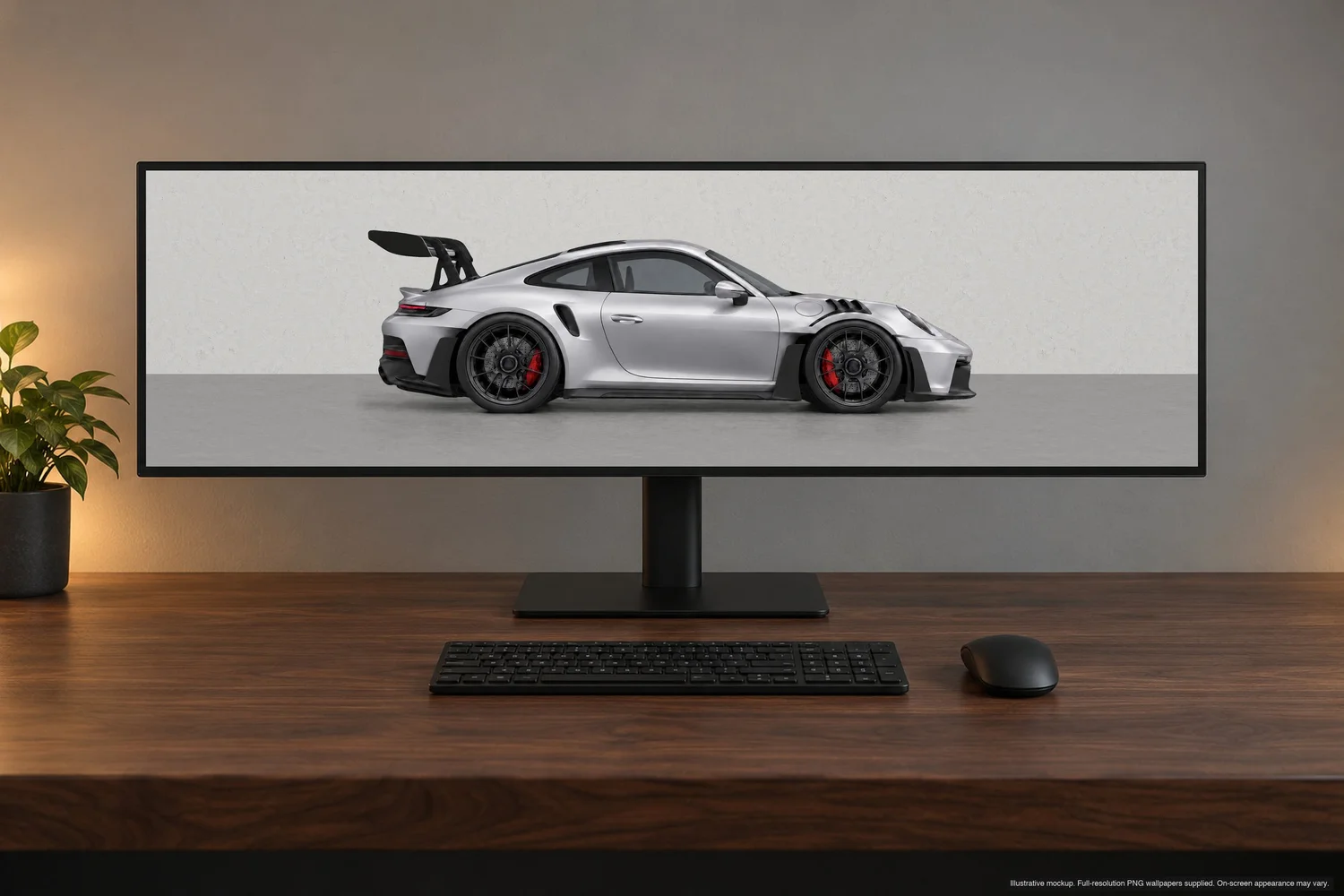
Apex
GT Silver Metallic · Light concrete setting. A modern track silhouette with room around the car.
Preview Apex pack →Nightline
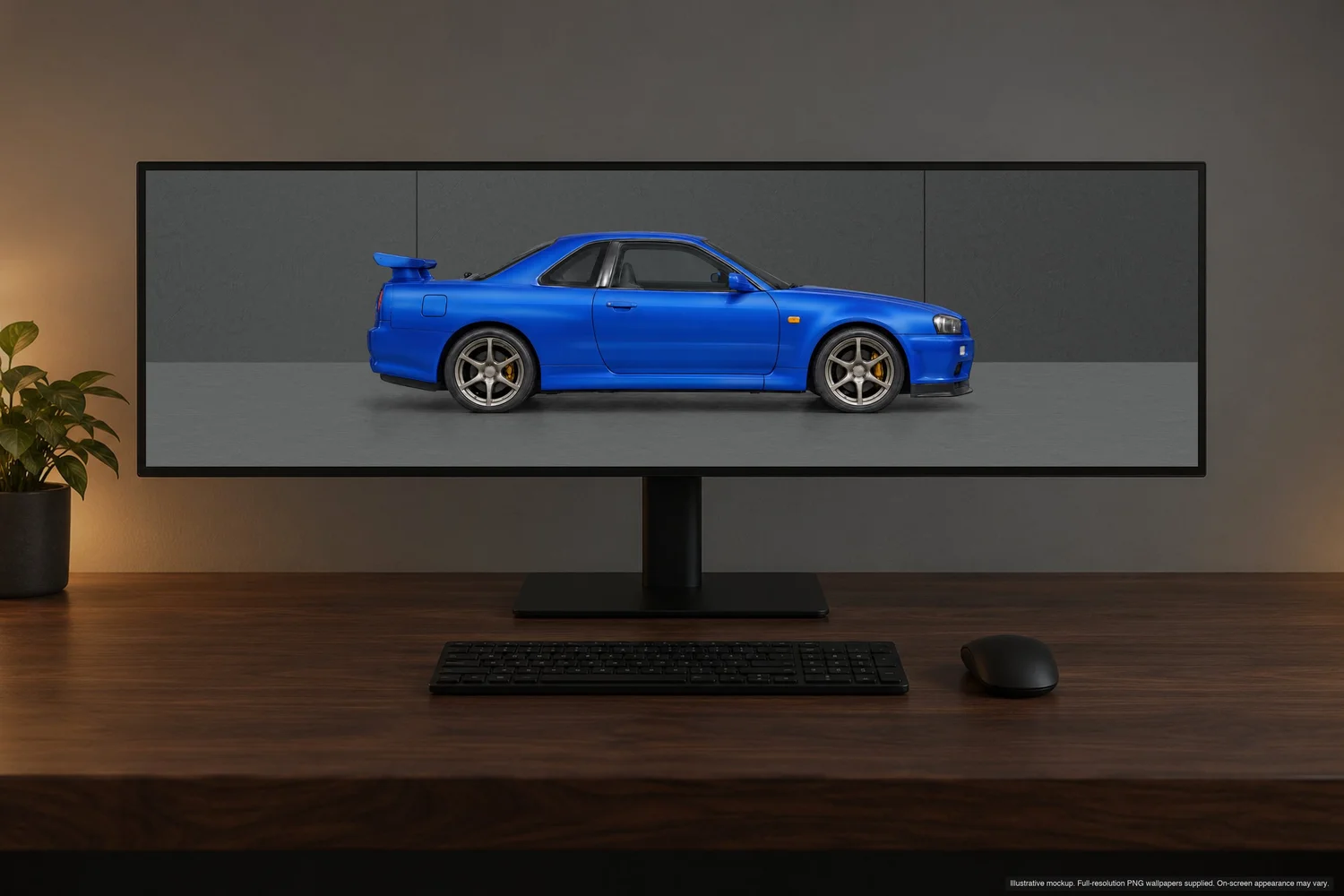
Bayside Blue · Dark backdrop. A squared Japanese coupe on a continuous wide canvas.
Preview Nightline pack →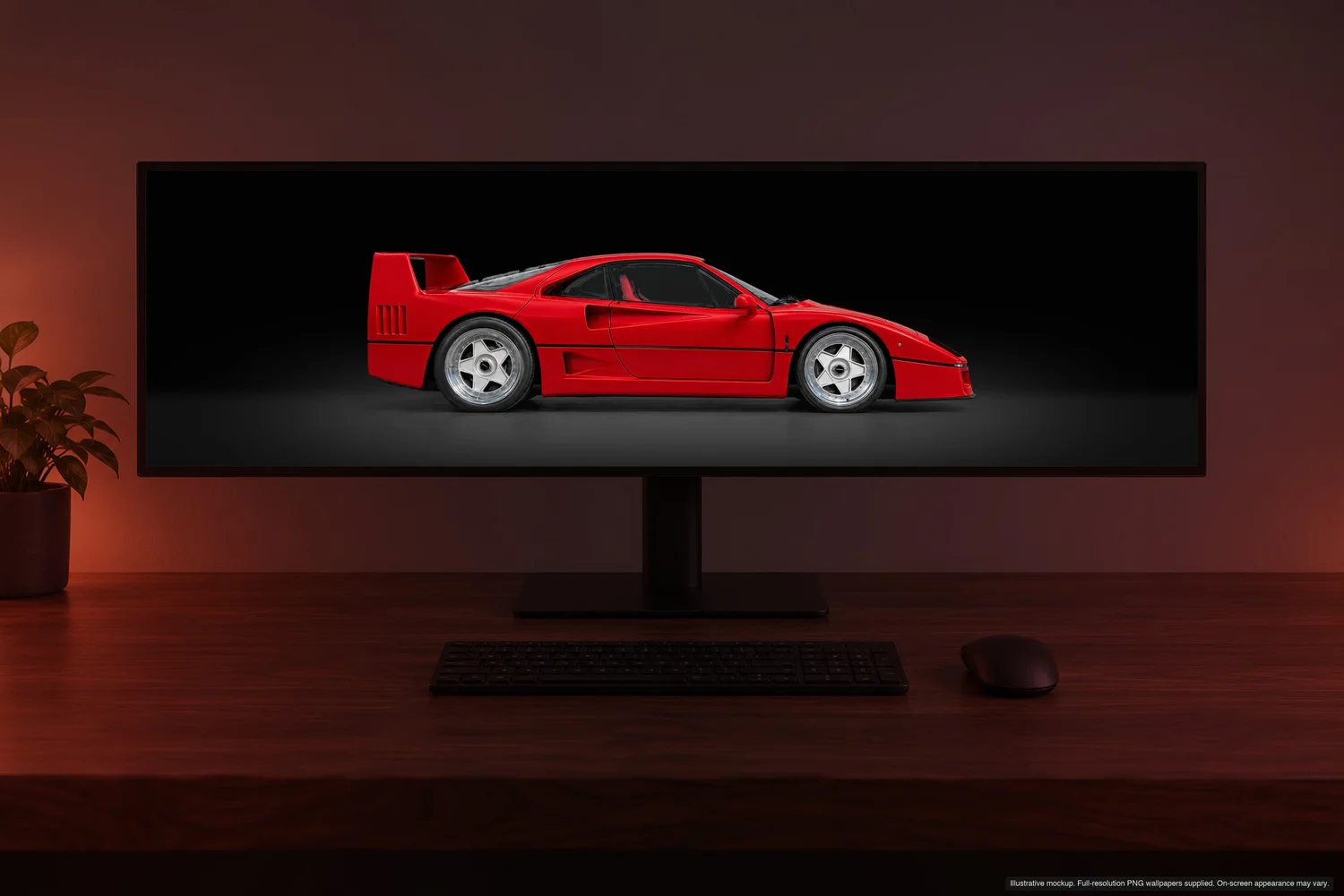
Legacy
A distinct supercar silhouette · Midnight backdrop for a quieter desktop.
Preview Legacy pack →Set it once
Keep the proportions intact.
- Check the display resolution. In your system’s display settings, select the recommended resolution and note the width and height.
- Choose the matching file. Unzip the pack, select a backdrop, then open Ultrawide and pick the PNG with the same dimensions.
- Use a proportional fit. On Windows, Fill works for an exact aspect-ratio match. Avoid Stretch. On macOS, choose the matching picture in Wallpaper settings and use a proportional fit if offered.
- Check the full width. The car should keep its shape with space at both edges. If the image is cropped, confirm the file dimensions and the selected display before changing the artwork.
What changes between formats?
The car is composed for each display shape, with breathing room around it. The 32:9 version uses a wider setting than the 21:9 versions. The room continues around the car rather than making the car unnaturally wide.
The download lists exact output dimensions. Wider scenery is extended from approved artwork; a large pixel count does not mean every panoramic pixel was generated natively at that width.
Matching car Lock Screens and car-free Home Screens are included, so your phone can follow the same backdrop without placing a car behind every app icon.
Using three ultrawides? See the triple-screen guide →Inspect the artwork itself.
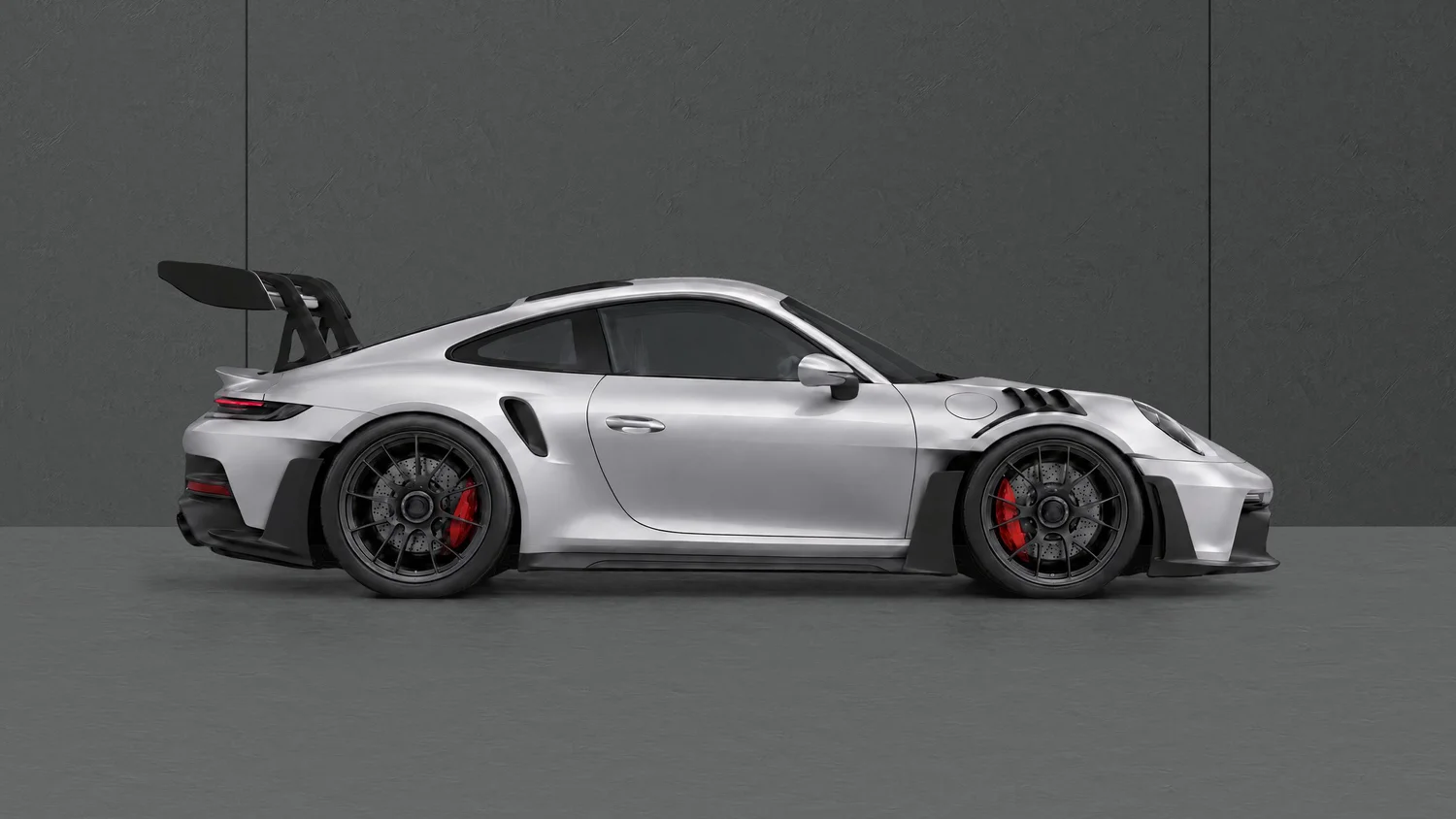
Mockups show the display setup. This unobstructed desktop preview shows the finish, background and contact shadows without a monitor frame. The downloadable ultrawide files use compositions fitted to their own dimensions.
Ultrawide wallpaper questions
Will a 3440 × 1440 file fit every 45-inch monitor?
Use the monitor’s actual resolution, not its diagonal size. Choose 3440 × 1440 only when that is your display’s recommended mode. The pack also includes other listed formats; it does not include every possible monitor resolution.
Are these free downloads?
These are paid Minimal Car Premium Wallpaper Packs. If you prefer free car photography and racing images, the separate free wallpaper library remains available with direct download links.
Can I inspect light and dark versions before buying?
Yes. Open the premium collection, choose a pack and switch between its available backdrops and device previews. Your purchase includes the backdrops listed for that pack, rather than only the preview you selected.
Find the car that fits your setup.
Explore the current collection, switch between device previews and check every file included with your chosen pack. Each pack is a one-time digital purchase for personal use.