
Minimal Car Premium Wallpaper Packs · Surround & separate screens
Triple-monitor car wallpaper packs.
One cohesive background across three displays, with the complete car on the centre monitor. Every pack includes a full-span image and matching Left, Centre and Right files.
Three screens. Correct files.
Match each monitor first.
Choose the row matching the native resolution of one monitor. The full-span PNG is three times that width, with no change in height. Each supplied Left, Centre and Right file is an exact third of its matching full-span image.
| One monitor | NVIDIA Surround / full span | Separate monitor files |
|---|---|---|
| 2560 × 1440 | 7680 × 1440 | Left + Centre + Right, each 2560 × 1440 |
| 3440 × 1440 ultrawide | 10320 × 1440 | Left + Centre + Right, each 3440 × 1440 |
| 3840 × 2160 · 4K | 11520 × 2160 | Left + Centre + Right, each 3840 × 2160 |
Three LG 45-inch monitors at 3440 × 1440 each? Choose 10320 × 1440 for the combined desktop, or the matching 3440 × 1440 Left, Centre and Right files for independent displays. Other 45-inch models can have different resolutions, so check the actual mode.
Centre screen stays the focus
A complete car on the middle display.
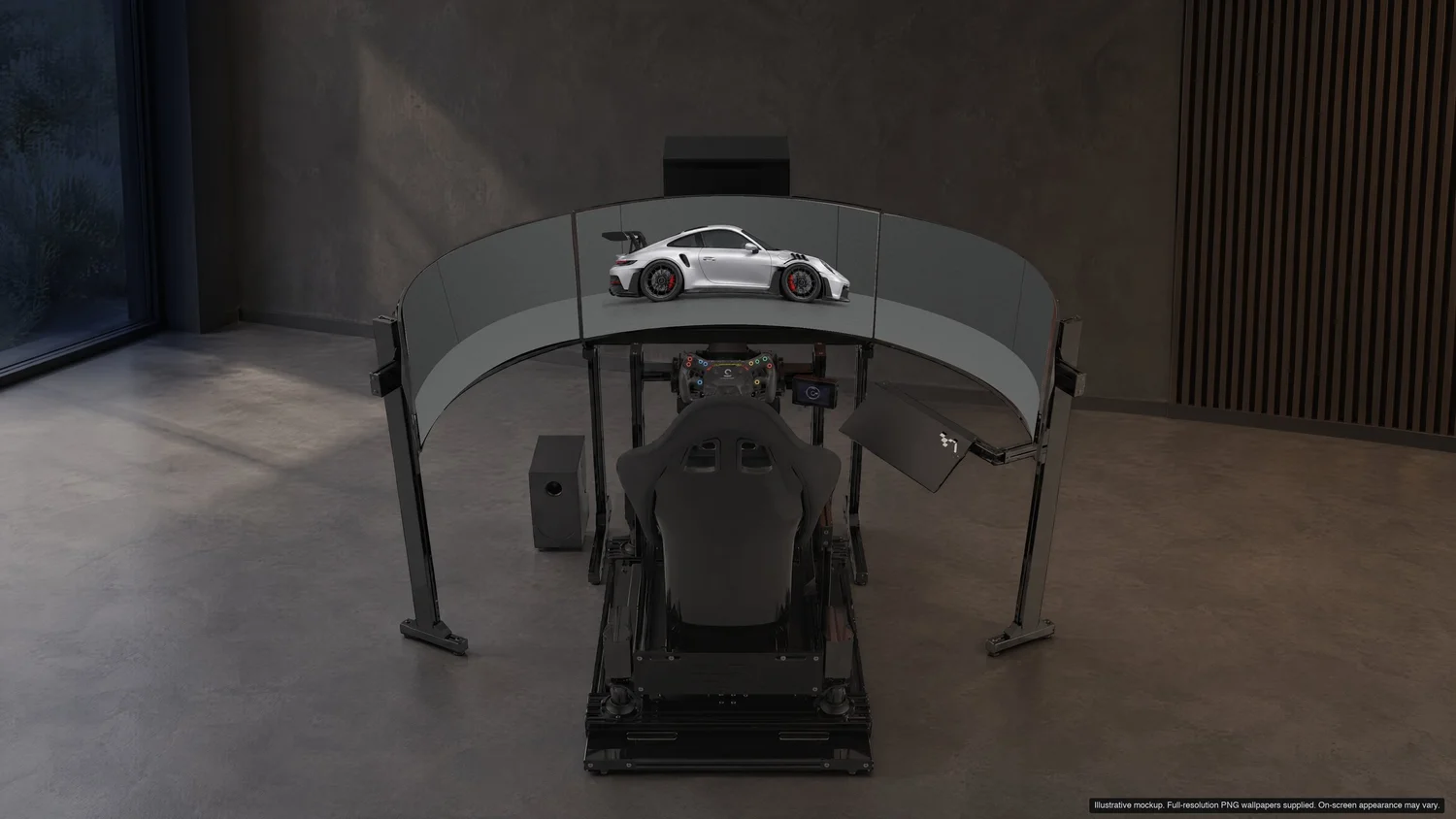
The released triple compositions keep the whole car inside the centre panel, with space at each side. The left and right panels extend the same setting. These are centre-car compositions; the car does not stretch across all three screens.
Apex
GT Silver Metallic · Dark. The car sits within the centre panel; the room continues onto the side panels.
Preview Apex pack →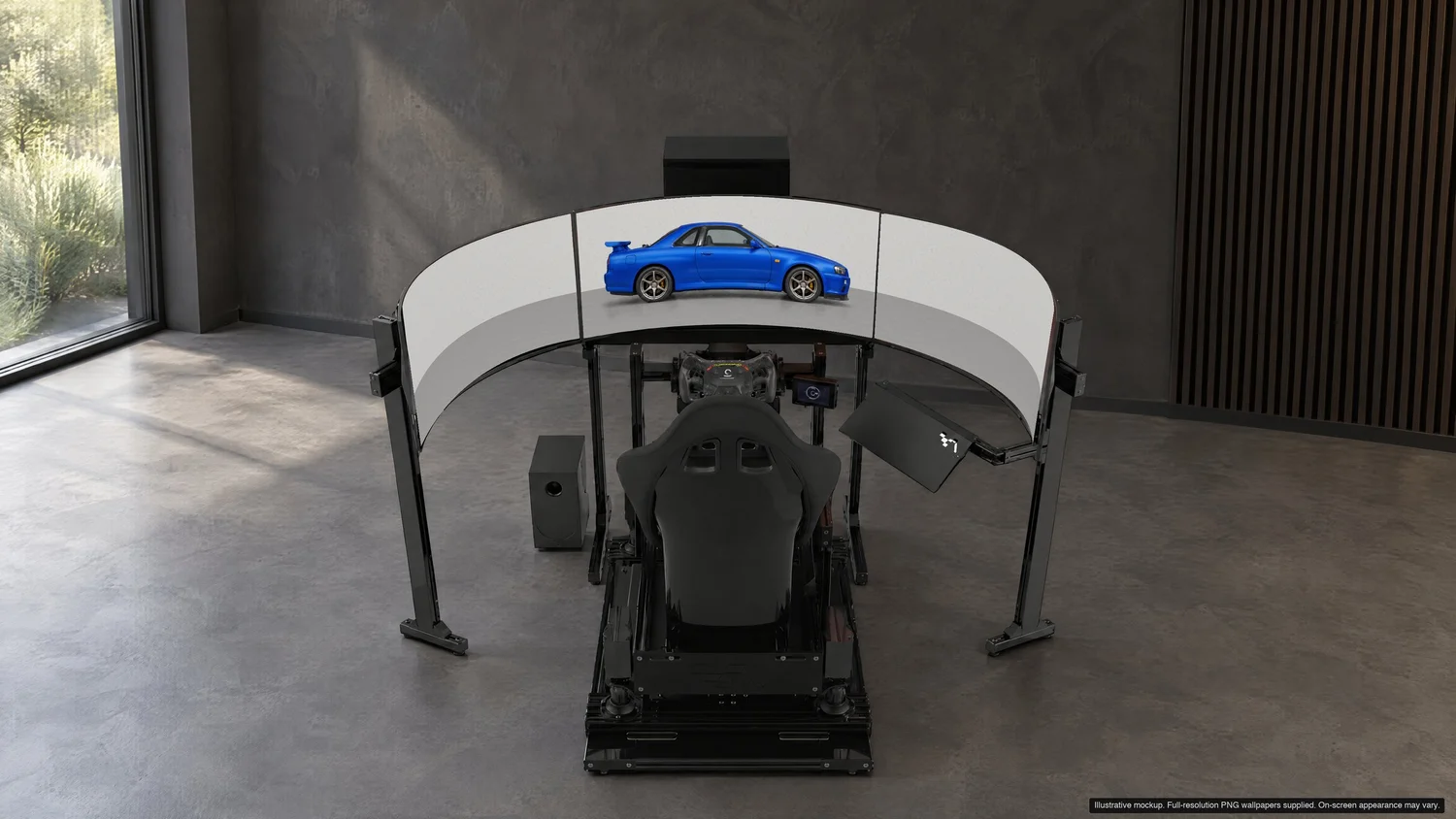
Nightline
Bayside Blue · Light. Matching horizon and setting across the three supplied slices.
Preview Nightline pack →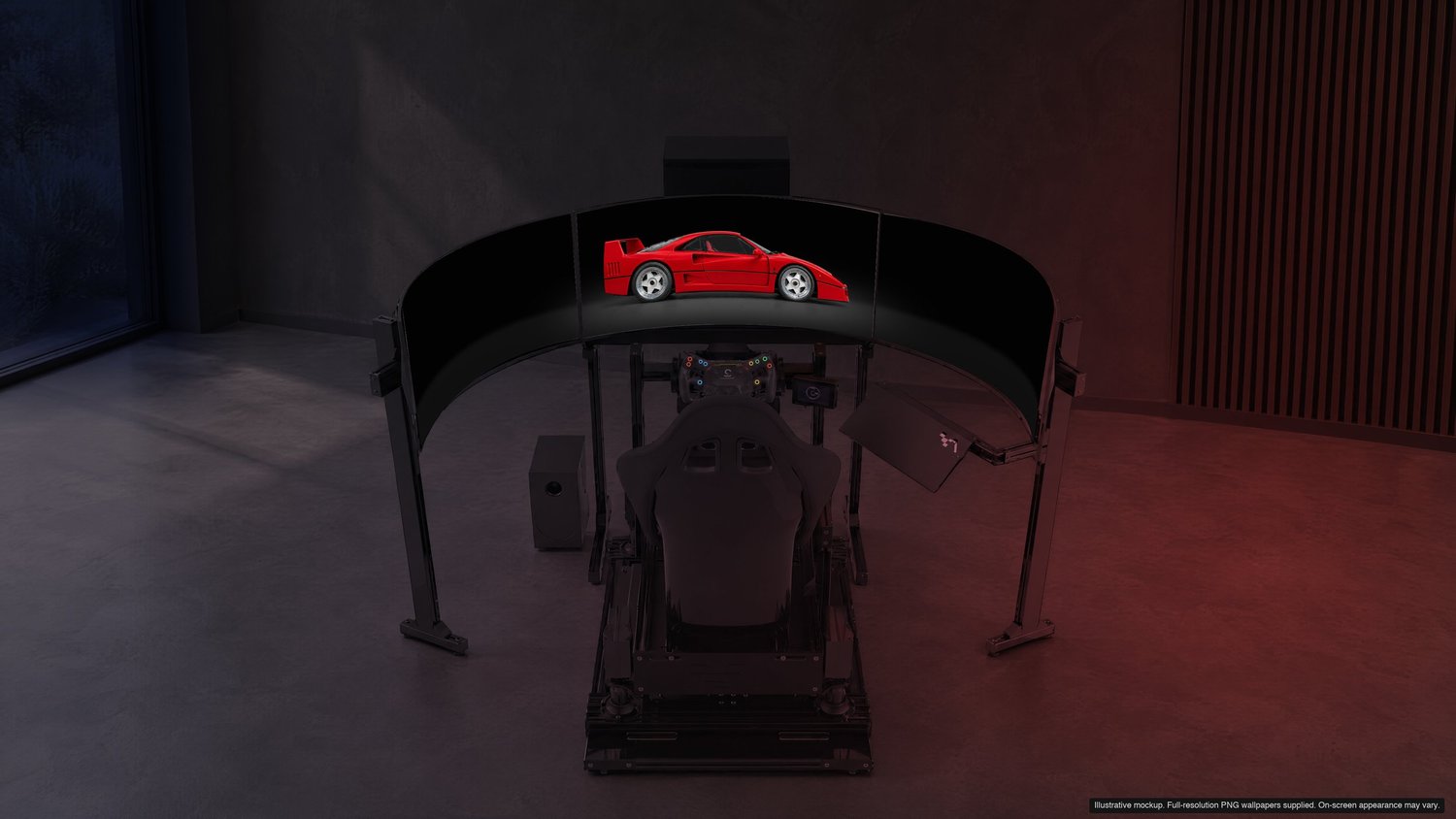
Legacy
Distinct supercar silhouette · Midnight. A cohesive setting across your sim rig.
Preview Legacy pack →One combined desktop
Using NVIDIA Surround.
- Confirm the combined resolution. Use one of the listed full-span sizes. Three identical 3440 × 1440 screens combine to 10320 × 1440 before any bezel compensation.
- Choose the full-span image. Unzip your pack, select the backdrop and use the matching Centre-Only triple PNG.
- Keep the image proportional. On a combined desktop, use a fit that fills the matching canvas without stretching. With independent displays and a full-span wallpaper, Windows’ Span option may be appropriate if the desktop arrangement matches.
- Check the centre panel. The whole car should remain on the middle screen. Check display order, resolution and scaling if the split lands in the wrong place.
Three independent displays
Use Left, Centre and Right.
- Arrange the screens left to right. In display settings, match their physical order and align their top edges. Use the same native resolution on all three.
- Assign each matching slice. Set Left on the left display, Centre on the middle and Right on the right. Windows lets you right-click a wallpaper thumbnail to choose a monitor; other systems may offer per-display selection.
- Use the same backdrop and size. Mixing a Dark left image with a Light centre image, or two different resolutions, breaks the continuity.
- Check fit and display settings. Avoid stretching or extra cropping. Different panel brightness, colour settings, scaling and physical gaps can affect how the joins look.
Bezel compensation is not baked into the files. If your combined desktop has a custom compensated width, it differs from the supplied canvas. Monitor angle and bezel gaps also affect the physical view; a wallpaper cannot guarantee a perfect perspective match for every rig.
See the finish beyond the mockup.
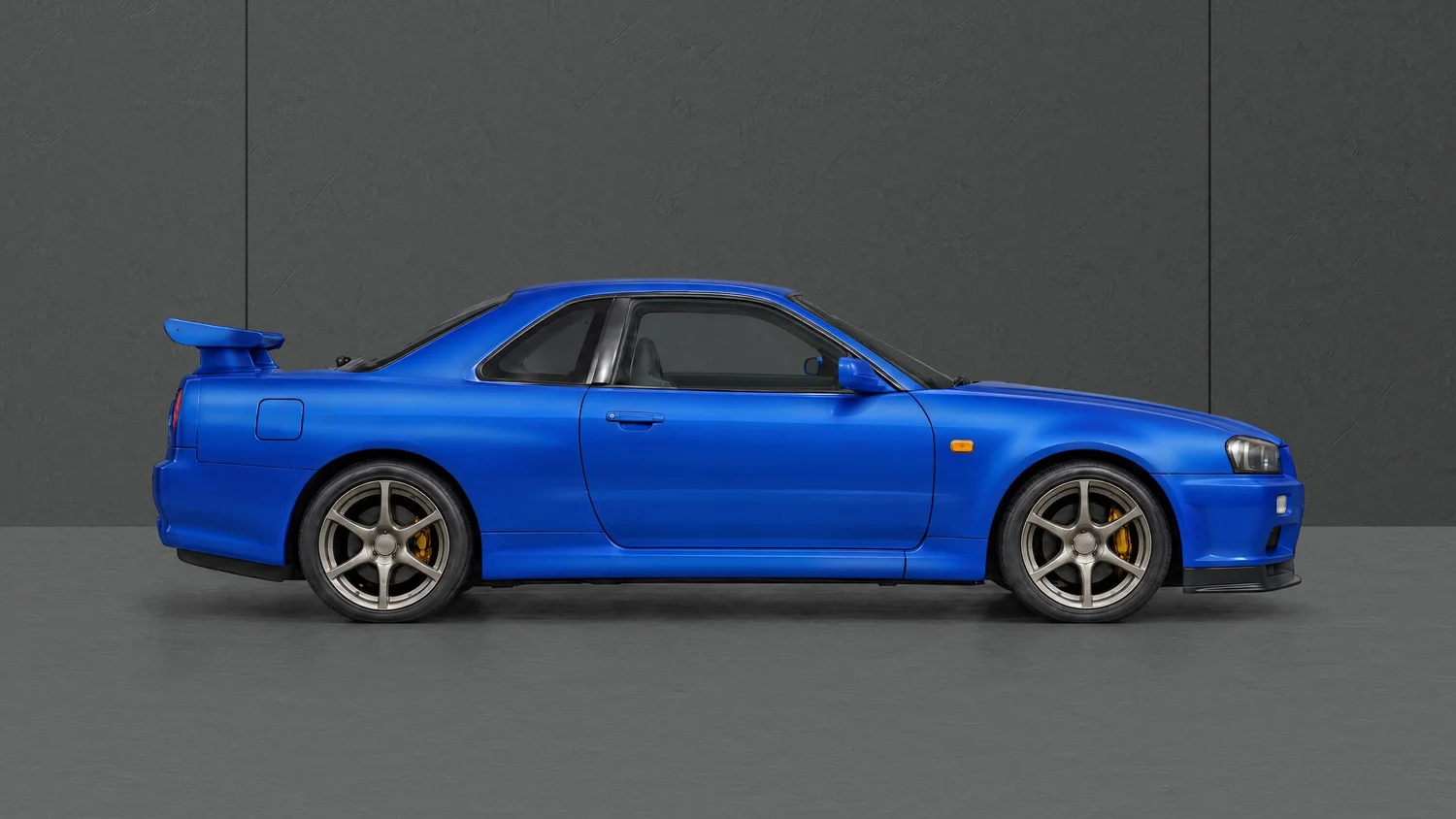
This artwork preview lets you inspect the car and setting directly. The triple download places the complete car on the centre screen and supplies matching side scenery, rather than cutting this desktop composition into thirds.
Triple-screen wallpaper questions
Do I need NVIDIA Surround?
No. Use the full-span file for a compatible combined desktop, or assign the matching Left, Centre and Right files to three independent displays. Both versions are included for the listed configurations.
Can I mix a 4K centre monitor with 1440p side monitors?
The prepared triples target three matching resolutions. A mixed-resolution arrangement can require custom sizing and alignment, so these supplied files should not be treated as a guaranteed match for that layout.
Is the separate top-monitor background included?
Yes. Packs include separate quiet upper-background files in the resolutions listed on the product page. They are independent wallpapers for a top display, rather than an extra strip inside the triple full-span file.
What else comes with the pack?
The listed desktop and ultrawide files, matching phone Lock Screen and car-free Home Screen pairs, and the backdrops specified for your chosen pack. Inspect the current pack contents in the premium collection before checkout.
Find the car that fits your setup.
Explore the current collection, switch between device previews and check every file included with your chosen pack. Each pack is a one-time digital purchase for personal use.