
Hardware / News
SIMAGIC EVO Pro owners can unlock 21 Nm free through SimPro
SimPro 3.2.3 adds a torque upgrade for existing EVO Pro owners after account registration and sign-in.
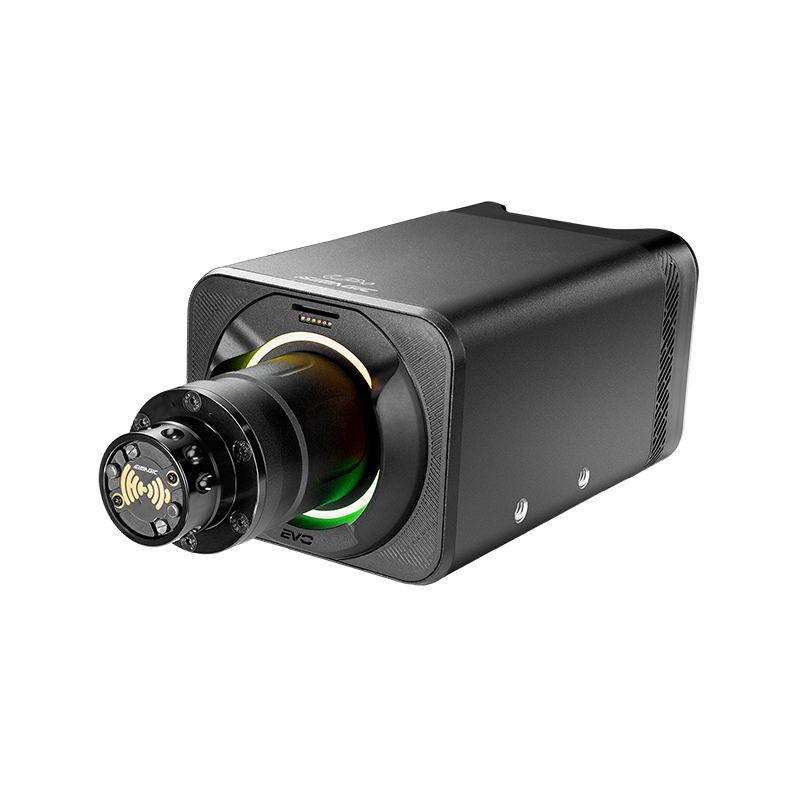
Existing EVO Pro hardware gets more torque headroom
SIMAGIC’s October 14 SimPro Manager 3.2.3 release notes confirm a free 21 Nm upgrade for EVO Pro owners after account registration and sign-in. The original Pro specification was 18 Nm, so the new ceiling adds 3 Nm, or roughly 16.7 per cent. That calculation describes the maximum output increase; it does not mean every force-feedback effect becomes 16.7 per cent stronger. Official source. Official source.
The announcement applies to EVO Pro. It should not be read as the same upgrade for the 9 Nm EVO Sport or 12 Nm EVO. Check the exact model shown in SimPro before following the update path. Owners do not need to buy a new Pro base to access the announced software upgrade. Official source.
- Eligible model
- SIMAGIC Alpha EVO Pro
- Previous specification
- 18 Nm
- New available maximum
- 21 Nm after the announced registration/sign-in upgrade
- Software announcement
- SimPro Manager 3.2.3, October 14, 2026

More available torque does not mean you must use it
Extra headroom can be useful when setting the relationship between ordinary cornering forces and short peaks. It does not require driving with a heavier wheel all the time. The force you feel still depends on the game, car, in-game gain and base settings, so the new maximum is only one part of the setup.
Our recommendation is to preserve your existing settings before updating. Once the update is complete, use a familiar car and circuit with conservative output. Compare sustained cornering effort, kerb strikes and catches during a slide. Judge whether the result is easier to read, rather than simply asking whether it is stronger.
Keep the application and firmware compatible
SIMAGIC advises closing the game and Steam before updating. The download centre says EVO firmware V2.3.2 or later requires SimPro V3.1.1 or later. It also notes that SimPro 2 and 3 are separate applications, with launching SimPro 3 closing SimPro 2. Follow the current official instructions and avoid combining a new firmware version with an incompatible older application. Official source.
Before making changes, record your current application and firmware versions, photograph or export important settings where supported, and allow enough time to check the rig afterwards. Do not schedule the update immediately before a league race. If the device is not recognised as expected, resolve that first instead of changing several force-feedback settings to compensate.

A simple way to evaluate the result
Start from a comfortable overall strength and leave room for peaks. If a game provides a clipping meter, watch it through the corners that produce the highest loads. Clipping means different high forces reach the same output ceiling; increasing every gain control together can make that problem worse rather than revealing more detail.
Use repeatable conditions and change one variable at a time. Save a new profile only after checking more than a single lap. There is no need to target the maximum available torque if a lower setting communicates the car clearly and remains comfortable during a longer stint.
What this announcement does—and does not—establish
This is a confirmed software feature for existing hardware, not a new hands-on assessment of the base at 21 Nm. It does not establish a lap-time improvement, and the announcement alone cannot tell us how every title will use the extra range.
For the original hardware impressions, read our Alpha EVO Pro review, which predates this update. Keep that earlier review separate from any future testing at the new maximum. If you are shopping rather than updating an existing base, compare the complete wheel, mounting and connection arrangement as well as the torque figure.