
MinimalAuto
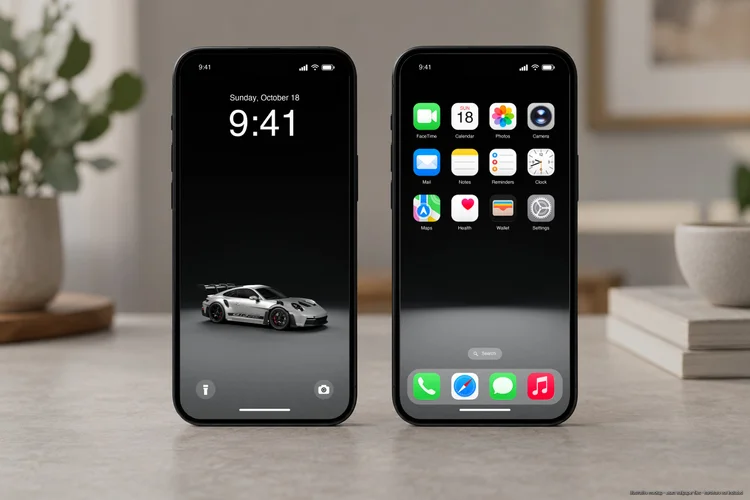
Porsche 911 GT3 RS in Minimal Studio. The car sits on the Lock Screen, with a matching backdrop behind the Home Screen apps.
Free iPhone car wallpapers
Choose a car and an available scene, from Minimal Studio to Underground Parking and Pit Lane. Each set includes a car-focused Lock Screen and a matching, car-free Home Screen, with free PNGs for iPhone and Android.
Browse by car
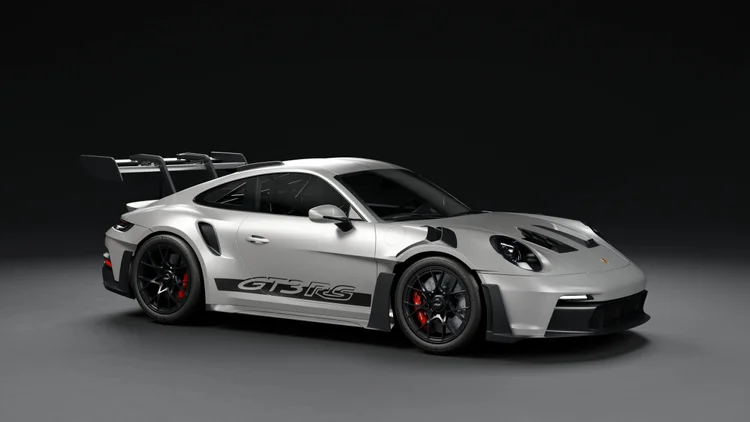
Porsche 911 (992) GT3 RS
View phone downloads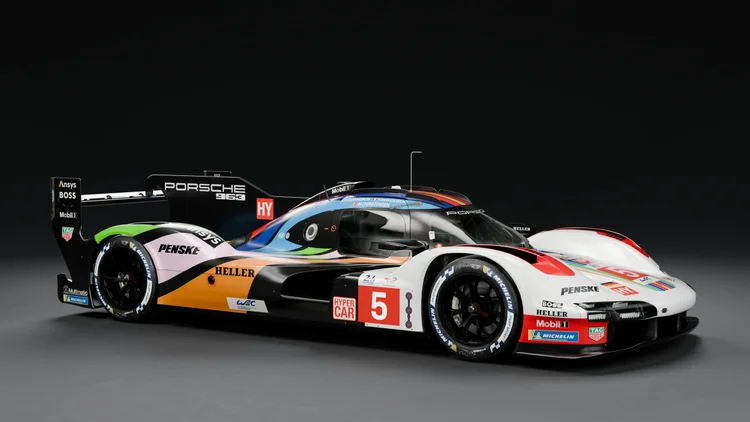
Porsche 963 LMDh
View phone downloads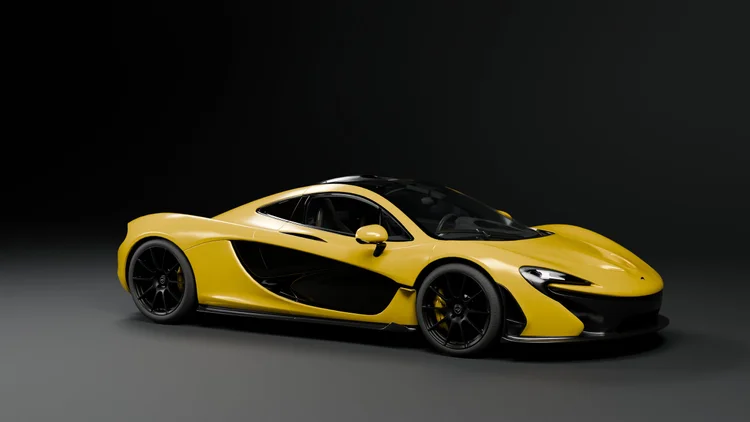
McLaren P1
View phone downloadsMercedes-AMG LMGT3
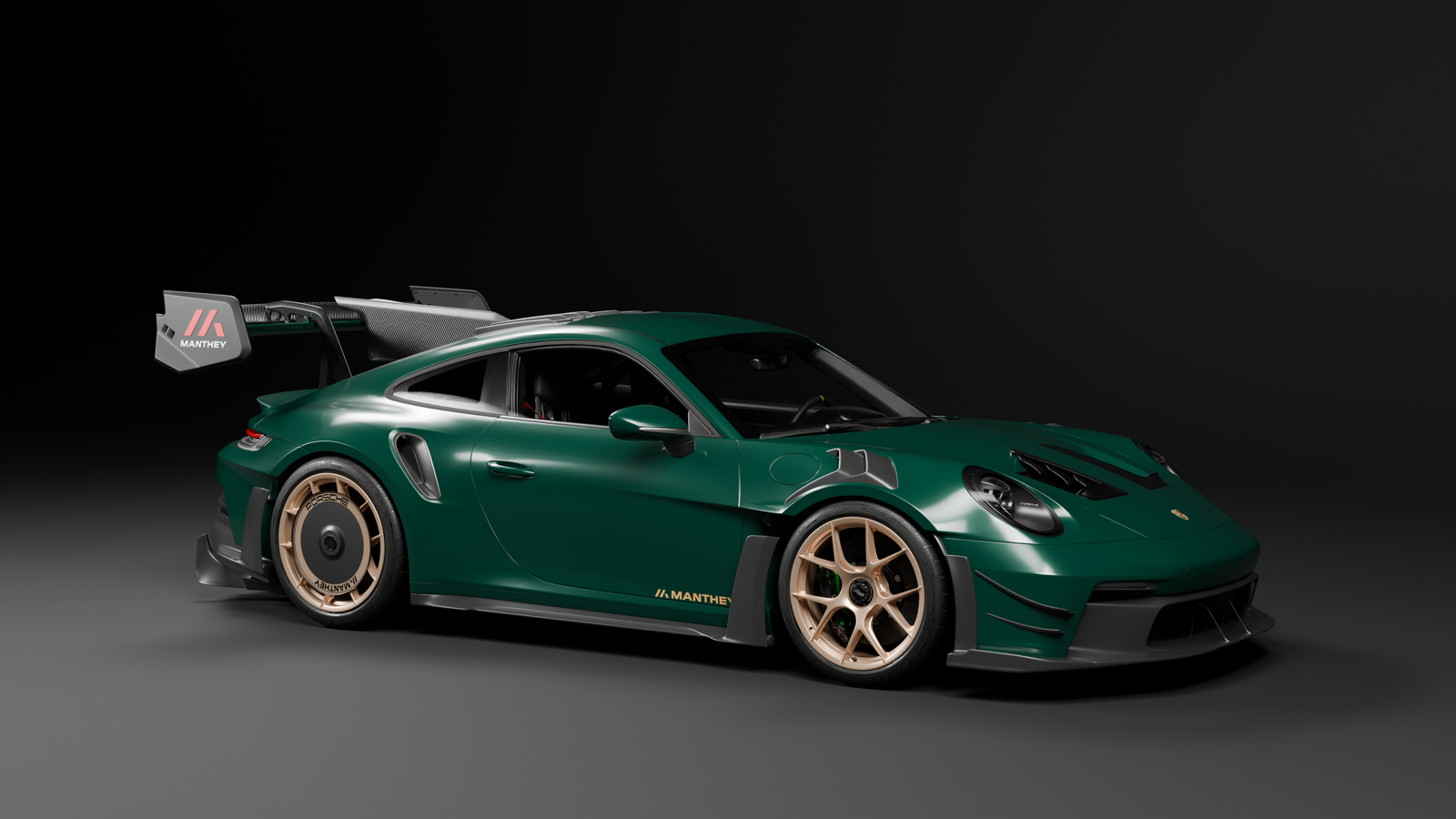
View phone downloadsPorsche 911 GT3 RS Manthey Kit 2025
View phone downloads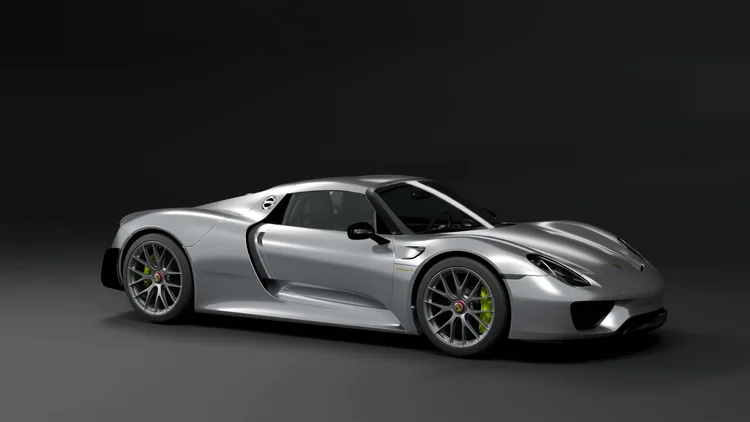
Porsche 918 Spyder
View phone downloads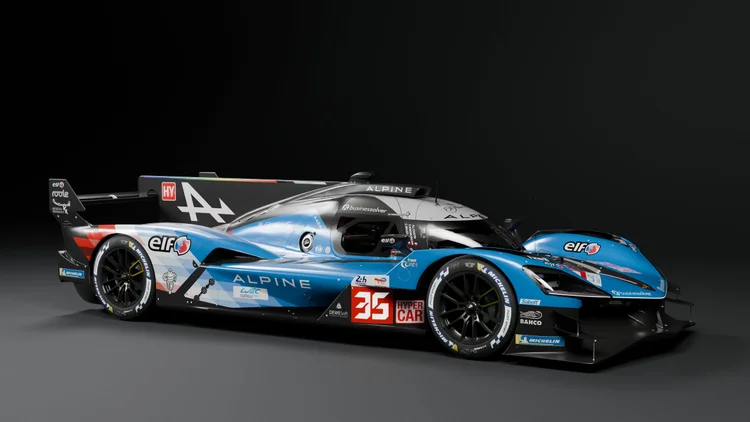
Alpine A424
View phone downloads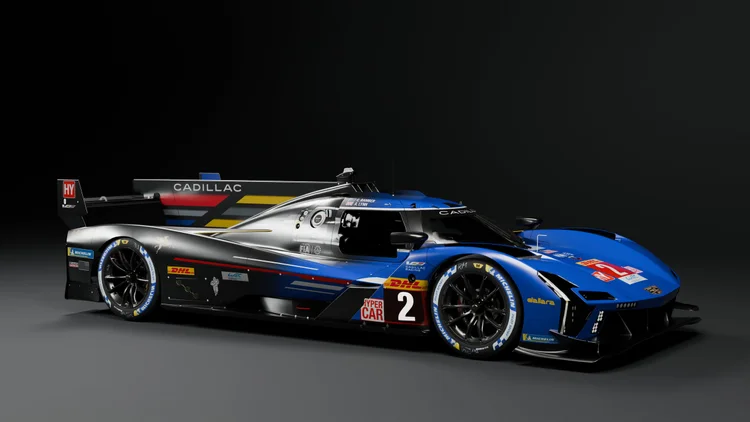
Cadillac V-Series.R
View phone downloads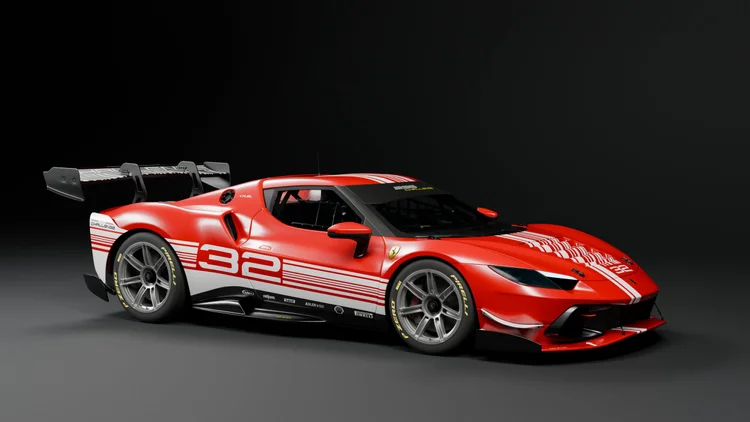
Ferrari 296 Challenge
View phone downloads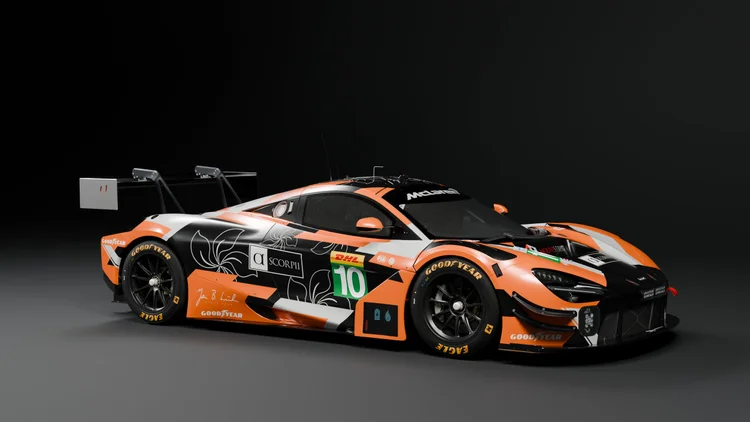
McLaren 720S LMGT3 Evo
View phone downloads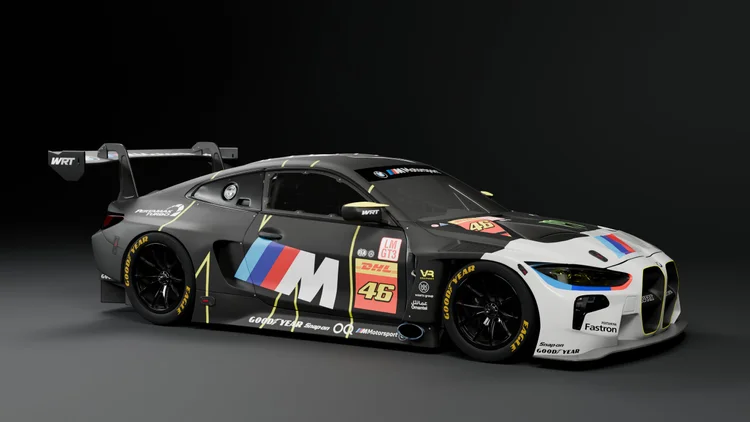
BMW M4 GT3
View phone downloads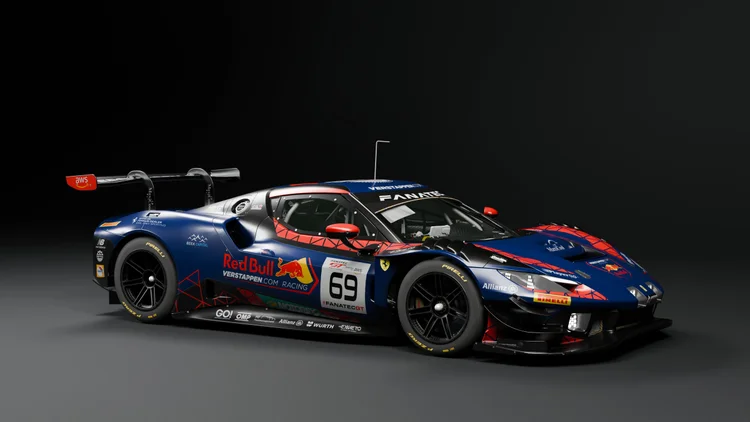
Ferrari 296 GT3
View phone downloads

iPhone and Android wallpaper sizes
Choose the PNG size that matches your phone’s display. Each download lists the portrait width and height in pixels.
| PNG size | Example phones |
|---|---|
| 1080 × 2400 | Google Pixel 7, Pixel 7a and Pixel 8a |
| 1179 × 2556 | iPhone 15, 15 Pro and 16 |
| 1206 × 2622 | iPhone 16 Pro, 17, 17 Pro and 18 Pro |
| 1320 × 2868 | iPhone 16 Pro Max, 17 Pro Max and 18 Pro Max |
| 1440 × 3120 | Google Pixel 7 Pro and Samsung Galaxy S24 Ultra |
| 1440 × 3200 | Samsung Galaxy S20, S20+ and S20 Ultra |
Set up a matching Lock Screen and Home Screen
- Open a model, pick a scene and colour or livery, then download the Lock and Home PNGs in the same size.
- Save both PNGs to Photos. Go to Settings → Wallpaper → Add New Wallpaper → Photos and select the Lock Screen image.
- Tap Add, then Customize Home Screen and choose the matching car-free image. Apple’s wallpaper instructions explain the options.
If your exact model is missing, match its portrait resolution or choose the closest aspect ratio and adjust the crop. For a monitor, browse triple-screen, ultrawide and desktop wallpapers.