
Review disclosure: Asetek supplied the Invicta wheelbase and accompanying review hardware free of charge, and I retained the wheelbase. Asetek did not preview or influence the original video before publication. The video also contains a separate Sim Sport Gadget sponsor segment. Product links identified as affiliate links may earn me a commission at no extra cost to you.
This was my first hands-on experience with an Asetek wheelbase. I had the Simucube 2 Pro and Ultimate available for comparison, so I wanted to see how the Invicta felt alongside equipment I already knew well. After adjusting its settings, I was impressed by its combination of smoothness, strength and sharp response. The bigger decision was how its mounting and wheel ecosystem would fit the rest of a rig.
My verdict at a glance
Best suited to: Someone building or upgrading a serious PC rig who wants strong, detailed feedback and a convenient native wheel connection.
What stood out: A lively, smooth driving feel, a very solid quick release and useful USB connections for peripherals.
What to consider: Mounting compatibility, adapter costs across several wheels, display clearance and the original software’s profile workflow.
The scope of my comparison
I tested the Invicta on my 6 Sigma 6S-120 chassis, using Asetek’s supplied front mount. I drove with the Forte Formula wheel and tried third-party wheels, including my heavier GSI Hyper P1.
My comparison focused on the Simucube 2 Pro and Ultimate because those were the bases I had used extensively. I had not tested the Asetek Forte or La Prima bases at that point.
The Invicta’s manufacturer-rated 27 Nm provides considerable torque headroom. I did not need to use all of it for normal driving, and a higher maximum rating alone does not establish a better experience.
This article preserves my June 2024 impressions and setup. It is not a long-term reliability report or a comparison against every later wheelbase release.
Smooth, strong and sharply responsive
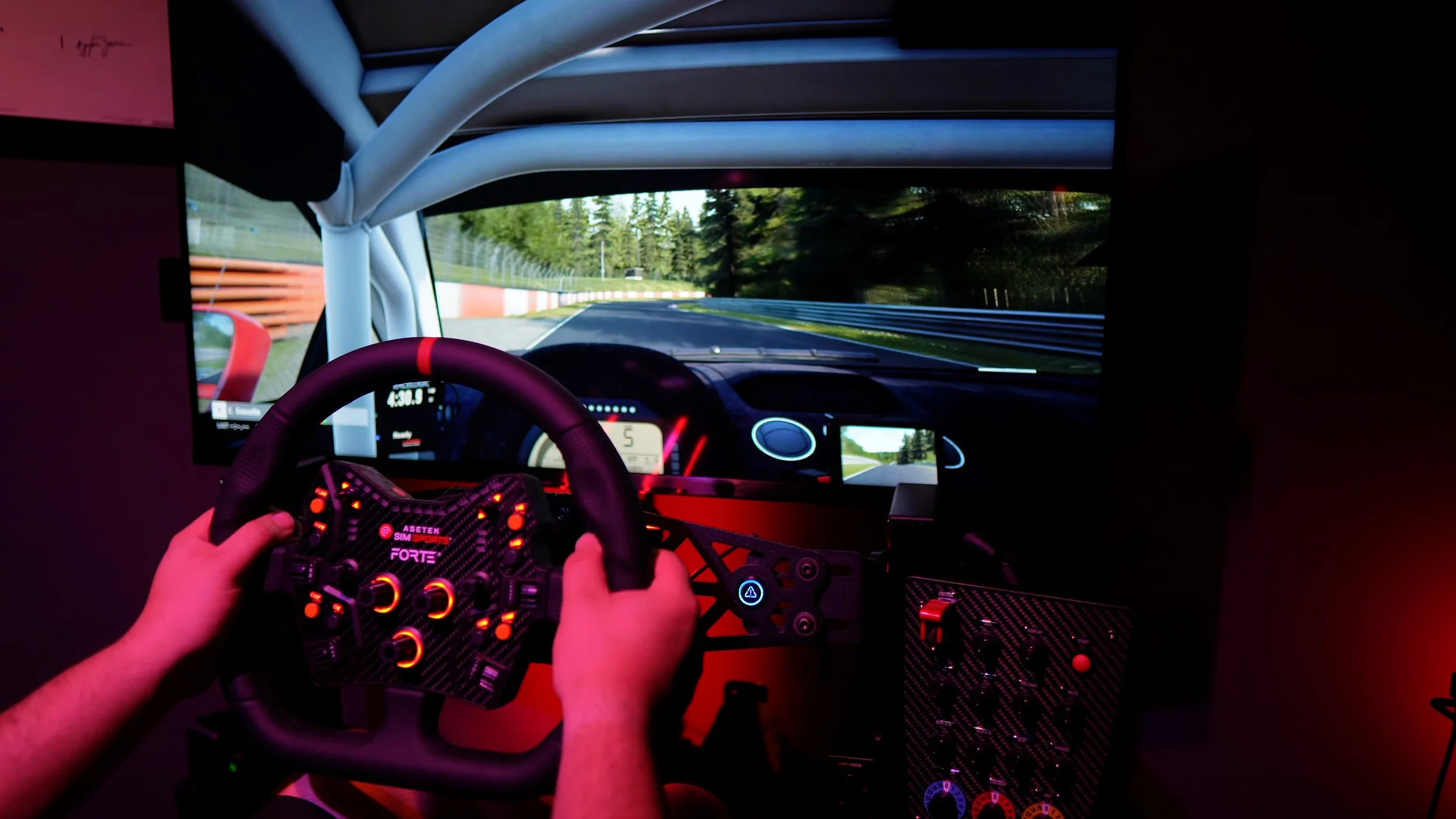
Once I had the settings where I wanted them, the Invicta felt smooth, strong and strikingly quick. Kerbs and changes in grip came through with a sharpness that made the car feel lively.
The experience was familiar coming from my Simucube 2 Pro, but I found the Invicta more responsive in several situations. It also came very close to the feeling I enjoyed from the Ultimate on my main rig.
Those are subjective driving impressions. I did not run a blinded comparison or measure the latency and torque response of the bases side by side.
The amount of detail made it easier for me to stay aware of what the car and road surface were doing. I would not claim that buying an Invicta automatically makes a driver faster.
Changing the wheel changed the sensation too. The relatively light Forte Formula made the response feel particularly immediate; the heavier Hyper P1 felt different, while still delivering plenty of detail.
Getting the settings right
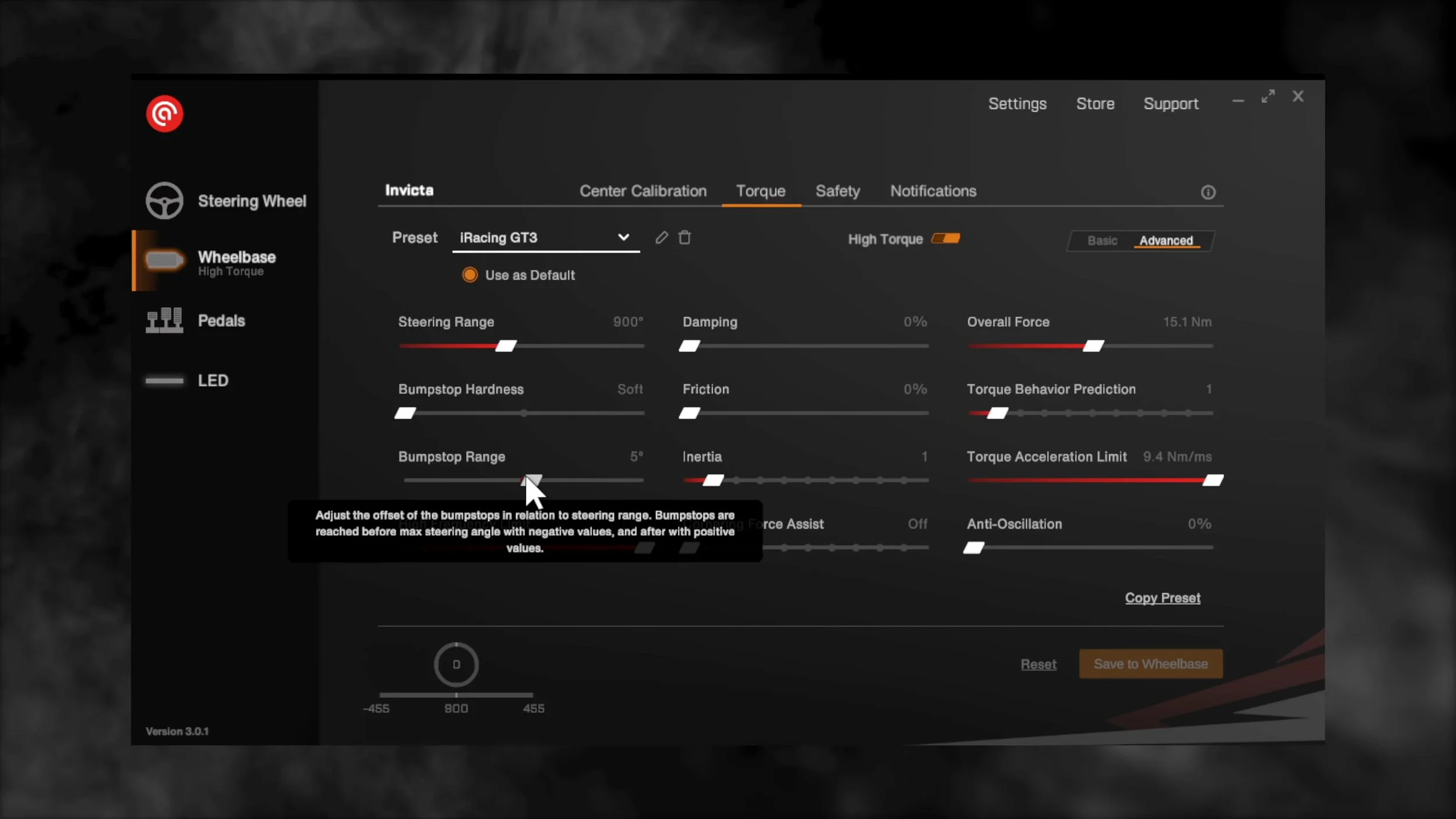
RaceHub organised the connected equipment clearly and gave me access to calibration, torque, filtering and lighting in one place. I found its explanations approachable.
I started with the default profiles, then tried Asetek’s recommended settings for the sims I used. In iRacing, those recommendations gave me a better starting point than the initial default setup.
I also adjusted the ACC settings to my taste. The recommended configurations were close enough that I did not need extensive changes to get a feel I enjoyed.
The software offered basic and more detailed controls. That made it possible to start simply and investigate individual settings when there was a reason to change them.
At the time, I wanted automatic profile switching between sims and a community profile-sharing service similar to Simucube’s. Those comments describe the RaceHub version used for this review, not a confirmed limitation of today’s software.
Build, connections and lighting
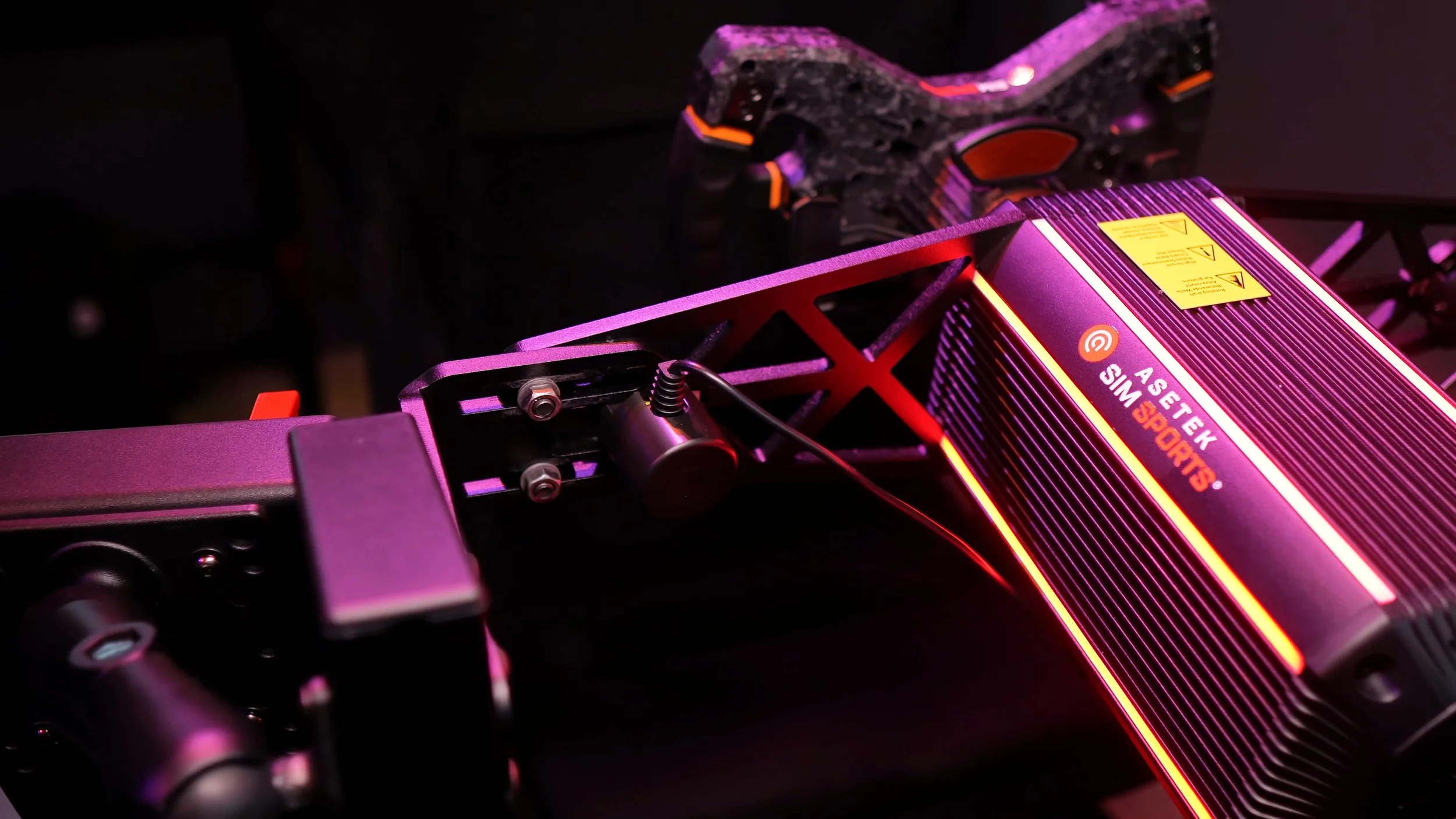
The wheelbase felt substantial and well built. Its roughly 11 kg weight and mostly metal housing gave it a reassuringly solid presence on the rig.
I would have preferred less plastic around the front cover, although I did not experience a functional problem with it. The grooves and lighting gave the design more visual detail than the industrial appearance of my Simucube bases.
The rear USB hub was a useful addition for cable management. The USB-C ports could reduce the number of long cable runs back to the PC, although some of my USB-A peripherals would need a suitable cable or adapter.
The six LED bars could be configured for decorative lighting or telemetry effects through RaceHub. Separate racing and idle behaviour was a nice option.
On my single-monitor filming setup, the upper lights could reflect in the display. I could lower the brightness, change the behaviour or turn them off. On a rig with the base hidden behind the screens, they may add less to the experience.
The quick release was a major strength
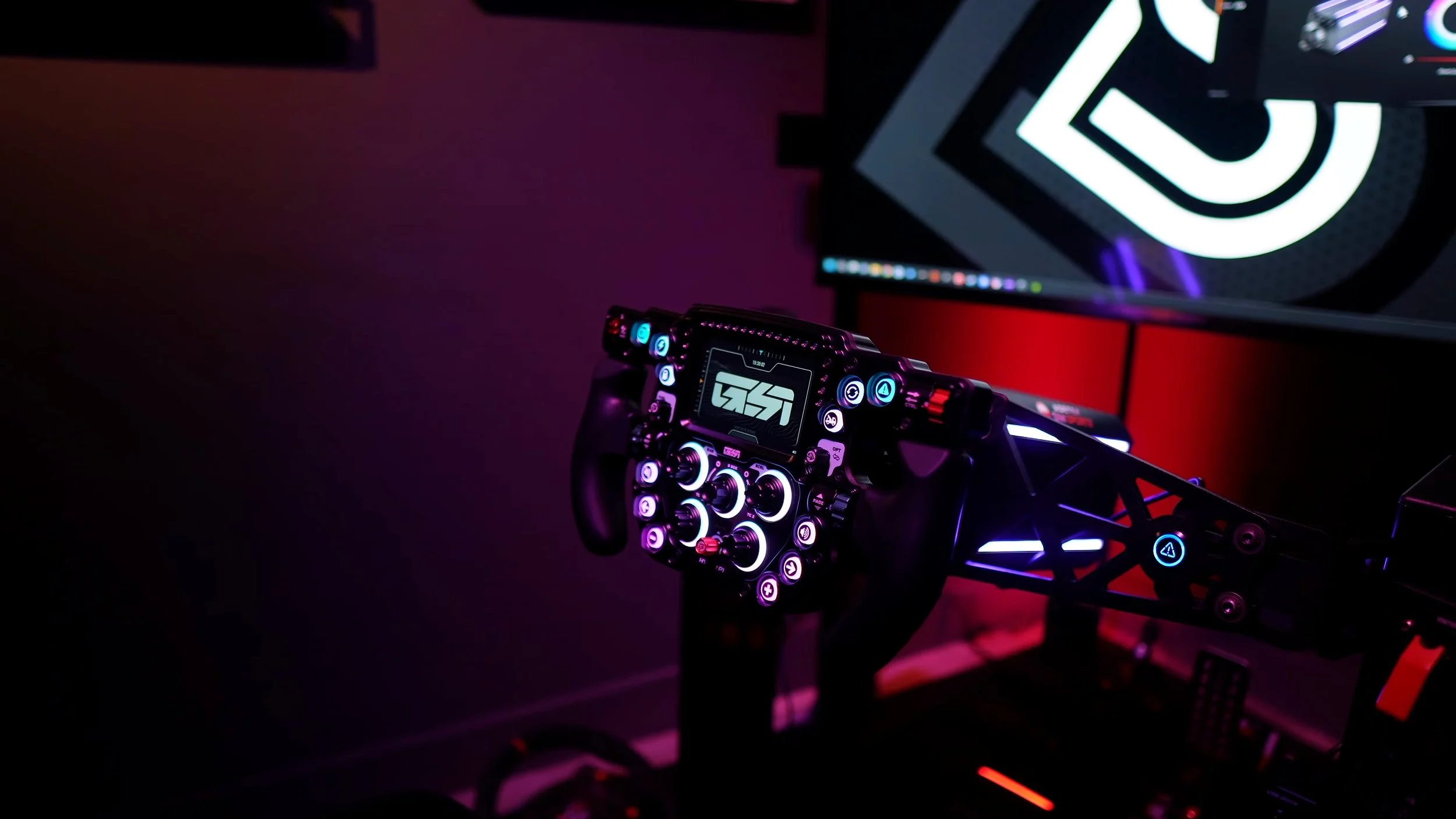
The native connection was one of the best quick releases I had used. It was easy to attach and remove a wheel, and the locked connection felt extremely rigid.
Power and data passed through the interface, keeping the native wheel connection tidy. I preferred its operation to the older Simucube pin-and-lock arrangement I was using.
Asetek’s third-party adapter kit added an integrated USB connection and extension options. That made it practical to use suitable wheels from other manufacturers without a cable trailing all the way back to a separate hub.
The adapter cost becomes meaningful with a large wheel collection. The original video discussed a five-kit bundle around US$750; that was historical pricing, but the need to budget per wheel remains a useful consideration.
I would check the exact wheel, adapter and connection requirements rather than assume every third-party wheel works simply because a mounting pattern can be matched.
Wheel extensions and screen position
The extension arrangement introduced a compromise in my setup. The extra length sat on the wheel side of the quick release, so an extended third-party wheel could end up much closer to me than the original Forte Formula.
With the base positioned farther away to suit a long adapter, fitting the unextended Forte wheel meant reaching too far. I could not keep both configurations at the same comfortable distance without changing the arrangement.
The larger shaft diameter also limited how low I could place a screen between the base and wheel. Both details matter when trying to align the real wheel with the in-game cockpit.
These observations relate to the hardware combinations available to me in 2024. Check current native-wheel extensions and mounting options before planning around that limitation today.
Mounting and dash brackets need checking
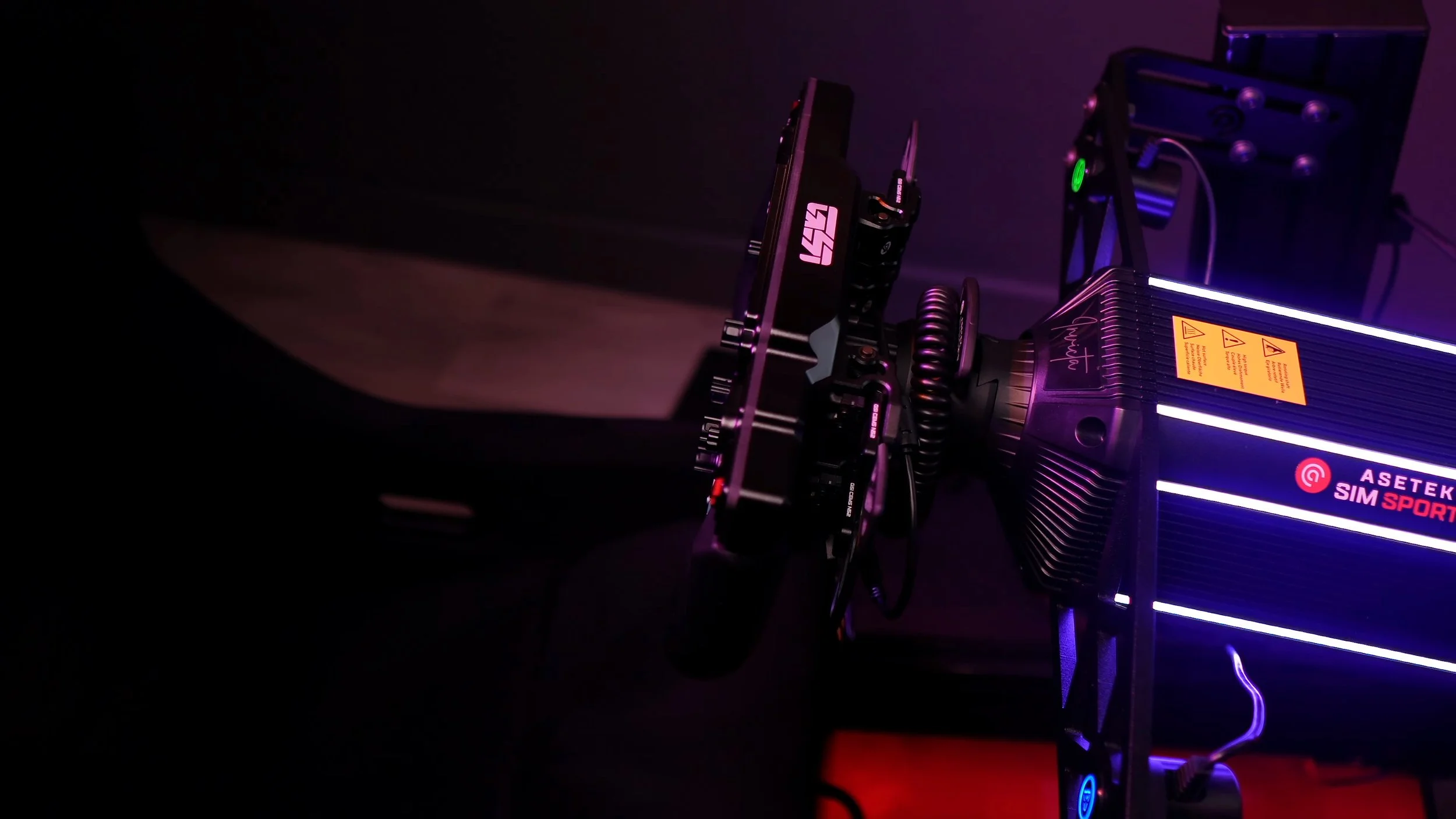
The front mounting pattern differed from the Simucube and Simagic hardware I already had. A chassis being advertised for front mounting did not automatically mean my existing bracket would fit the Invicta.
Asetek’s front mount required removing the front cover, securing the base and reinstalling the cover. On the 6S-120, the finished installation looked neat and felt solid.
The supplied power and torque-off buttons could be integrated into the mount. I would personally have preferred a combined unit, although separate buttons offer other positioning choices.
Bottom mounting through the channels under the base was another option. I appreciated having that alternative for a suitable wheel deck rather than requiring a front mount in every case.
My existing GRID dash brackets and Simcore Lev1 mount did not fit the front arrangement as expected. That was a compatibility issue with the brackets I owned, not a claim that no compatible dash mount exists.
Before ordering, I would include the mount, dashboard bracket and intended wheel position in the plan. They are part of the total cost and experience of changing wheelbase brands.
Value against the Simucube bases I knew
The original review quoted US$1,299.99 for the Invicta. At the prices then, its performance made the much more expensive Simucube 2 Ultimate difficult for me to recommend solely on driving feel.
There were still reasons to choose the Ultimate: its higher torque ceiling, preferred software, existing mounting solutions or a wheel ecosystem someone already owned. Those considerations can outweigh a small subjective difference in feel.
The Simucube 2 Pro remained a very capable base that I had happily used for years. I enjoyed the Invicta’s response, but I would not reduce the comparison to its small torque-rating advantage.
My strongest conclusion was that the Invicta delivered an excellent high-end experience. It deserved to be considered alongside the bases I trusted, while offering a quick-release system I particularly liked.
Price the complete transition, including mounts and wheel adapters, and check current software and accessories. With those details accounted for, the Invicta was a very convincing option in my testing.
Explore the Invicta 27 Nm.
Use SIMRACINGDEN for 5% off eligible Asetek products, as listed on my discount page. Check regional terms, exclusions and the final discount at checkout.
DISCOUNT CODESIMRACINGDENAffiliate link: I may earn a commission if you buy through this link, at no extra cost to you.
Confirm taxes, shipping and any required accessories at checkout.
About this article: Adapted from my original review script and video review. Driving impressions refer to the original review period. The official Invicta 27 Nm listing was checked for the current product destination. Prices and software comparisons in the article refer to the original review period.
Back to top ↑